
⚡ TL;DR — What You’ll Find Here
10 AI tools that are either completely free or have a generous free tier in 2026. No credit card required to start. Ranked by how useful they are for someone who has never used AI before.
The Best Free AI Tools for Beginners in 2026 — No Budget, No Problem
A year ago, “free AI tools” meant watered-down demos with five uses before a paywall hit you. That’s changed. In 2026, the competition between AI companies has gotten so intense that the free tiers are genuinely good — good enough to build real things, learn real skills, and do real work without spending a dollar.
The problem isn’t finding free AI tools anymore. It’s knowing which ones are actually worth your time when you’re just starting out. This list cuts through the noise. Every tool here has been tested, has a meaningful free tier, and is approachable if you’ve never used AI for anything beyond a basic chatbot.
Here’s where to start.

Writing & Research
1. Claude (Anthropic) — Best Free AI for Thinking Through Problems
Free tier: Yes — generous daily message limit on Claude.ai
Best for: Writing, research, brainstorming, explaining complex topics
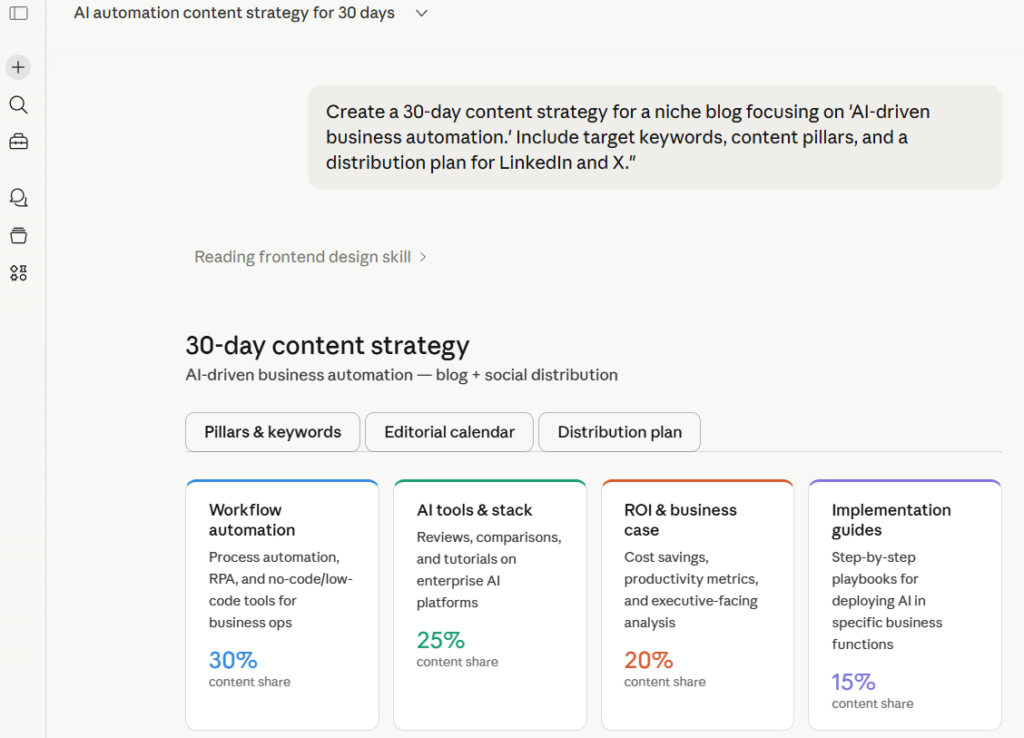
Claude is where I send anyone who’s new to AI and wants to actually have a conversation with it — not just generate a quick answer. It’s unusually good at nuance, handles long documents well, and won’t confidently make things up the way some competitors do. The free tier is genuinely usable for daily work. Start here if you’re not sure where to start.
Best first prompt to try: “Explain [topic you’re curious about] like I’m hearing about it for the first time. Then tell me the three things most people get wrong about it.”
2. ChatGPT (OpenAI) — Best Free AI for General Tasks
Free tier: Yes — GPT-4o available on free plan with usage limits
Best for: Drafting emails, summarizing text, general Q&A
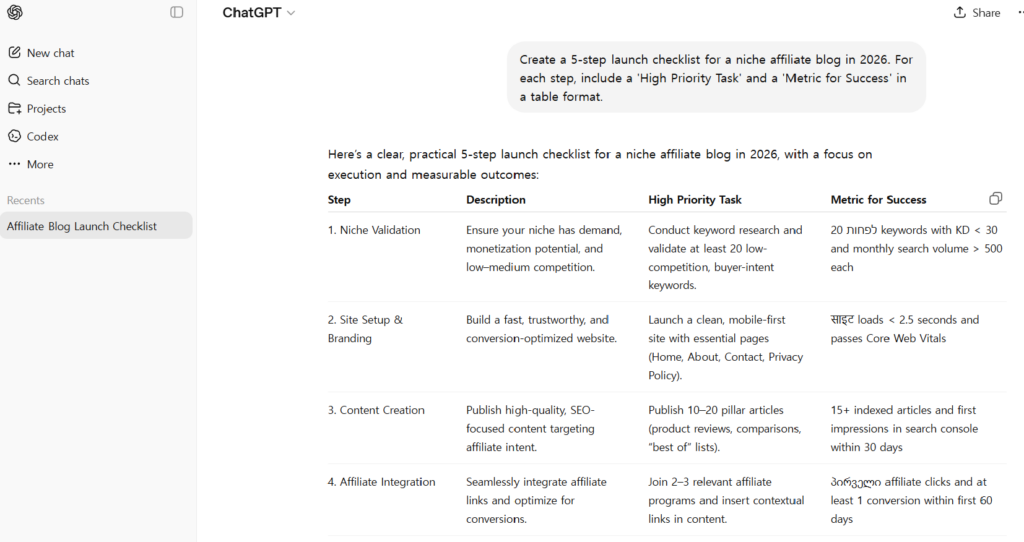
ChatGPT is still the most widely used AI tool in the world for a reason — it’s fast, versatile, and handles almost any text-based task competently. The free tier now includes GPT-4o access, which is a significant upgrade from where it was a year ago. If you have one AI tool open in a browser tab all day, this is probably the one.
Best first prompt to try: “Rewrite this email to sound more professional but still friendly: [paste your email].”
3. Perplexity AI — Best Free AI for Research
Free tier: Yes — unlimited basic searches, limited Pro searches per day
Best for: Finding current information with cited sources
Perplexity is what Google Search would look like if it actually answered your question instead of giving you ten links to figure it out yourself. It browses the web in real time and cites every source it uses — which matters when you need to verify what the AI is telling you. For students and anyone doing research, this is the free tool with the highest immediate payoff.
Best first prompt to try: “What are the most important things that happened in [your industry] in the last 3 months?”
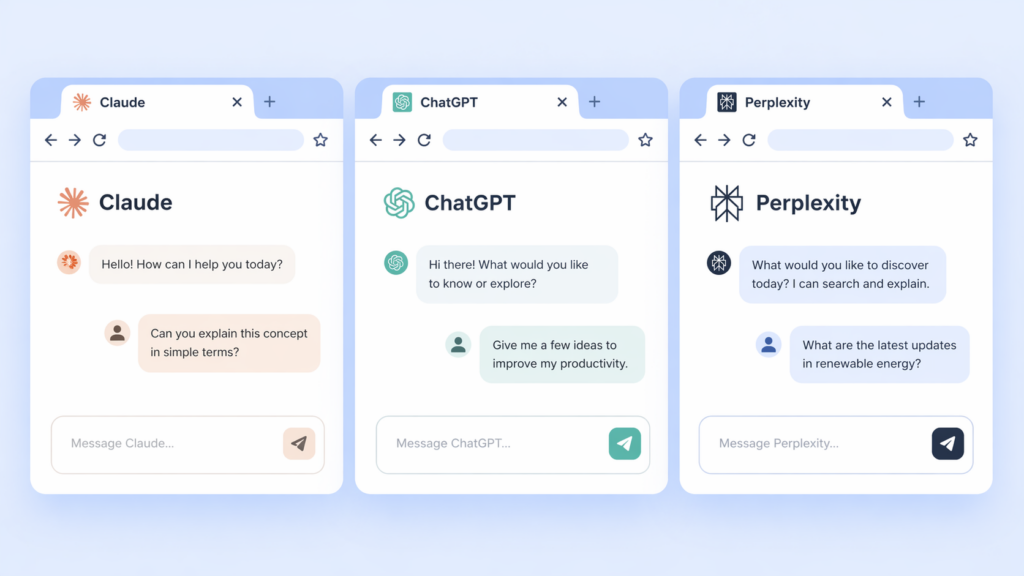
Image & Video Creation
4. Adobe Firefly — Best Free AI Image Generator for Beginners
Free tier: Yes — 25 generative credits/month, renews monthly
Best for: Creating images for presentations, social media, personal projects
Adobe Firefly is the most beginner-friendly image generator available right now, and it has a significant advantage over competitors: it’s trained exclusively on licensed content, which means you can use what it generates commercially without legal concerns. The interface is simple enough that you don’t need any design background to get good results. 25 free credits a month is enough to produce 25 high-quality images — more than enough to get started.
Best first prompt to try: “A minimalist flat illustration of [your topic], pastel colors, clean white background, editorial style.”
5. CapCut AI — Best Free AI Video Editor
Free tier: Yes — most AI features available for free
Best for: Editing short videos, adding captions, creating social content
CapCut has quietly become the most powerful free video editing tool available, and its AI features are the reason. Auto-captions, background removal, AI voiceover, auto-reframe for different aspect ratios — features that used to require expensive software and hours of work now take minutes. If you want to create video content and have exactly zero budget, start here.
The fastest way to get value from any of these tools as a beginner is to pick one problem you actually have right now — a report you need to write, an image you need to make, a video you want to edit — and use the AI to solve that specific problem. Don’t explore. Don’t experiment. Solve the real problem first. The exploration happens naturally once you see it work.
Productivity & Automation
6. Notion AI — Best Free AI for Organizing Your Life and Work
Free tier: Notion free plan included; AI add-on is $8/month but free trial available
Best for: Note-taking, project planning, summarizing meeting notes
Notion AI sits inside a tool you may already be using and makes it dramatically more useful. Ask it to summarize a page of notes, turn a bullet list into a structured document, or draft a project plan from a vague description. For students and anyone managing multiple projects, the combination of Notion’s organizational structure and AI assistance is hard to beat.
7. Zapier AI — Best Free AI for Automating Repetitive Tasks
Free tier: Yes — 100 tasks/month free
Best for: Connecting apps and automating workflows without coding
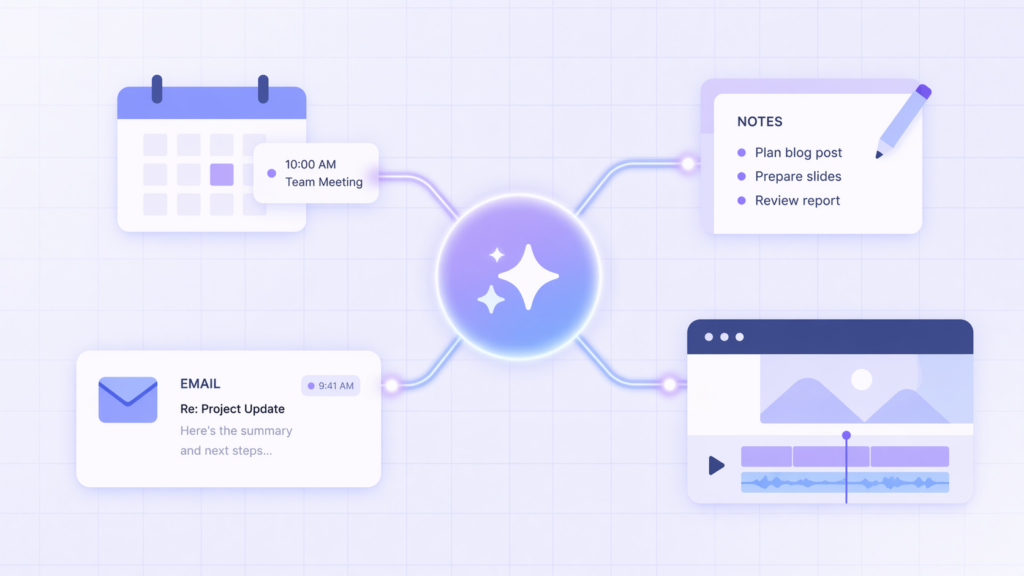
Zapier’s AI features let you describe an automation in plain English and have it built for you — no technical background required. “When I get an email with an attachment, save the attachment to my Google Drive and send me a Slack message.” That workflow used to require knowing how APIs work. Now you just describe it. 100 free tasks per month is enough to automate the most annoying parts of your day.
Learning & Coding
8. Khan Academy Khanmigo — Best Free AI Tutor
Free tier: Free for students in the US
Best for: Learning anything from math to history with personalized guidance
Khanmigo is what AI tutoring looks like when it’s done right. Instead of just giving you answers, it asks you questions and guides you toward understanding — the Socratic method, implemented by AI, available for free. For anyone in school or anyone trying to learn a new subject from scratch, this is one of the most underrated tools on this list.
9. Replit — Best Free AI for Building Your First App
Free tier: Yes — basic Replit Agent features available on free plan
Best for: Building simple apps and tools with no coding experience
If you’ve ever had an app idea and assumed you’d need to learn to code to build it, Replit’s AI agent changes that assumption. Describe what you want, and it builds a working prototype. The free tier has limits on complexity and deployment, but for learning what’s possible and validating an idea, it’s more than enough.
10. Google NotebookLM — Best Free AI for Studying Documents
Free tier: Yes — completely free
Best for: Uploading documents, PDFs, or notes and asking questions about them
NotebookLM lets you upload any document — a research paper, a textbook chapter, a set of lecture notes — and then have a conversation with it. Ask it to summarize, explain a specific section, or generate study questions. For students and researchers, this is the free tool with the most immediate, obvious use case. Upload something you need to understand. Ask questions. It works.
Frequently Asked Questions
What is the best free AI tool for beginners in 2026?
For most beginners, Claude or ChatGPT is the best starting point — both have generous free tiers and handle the widest range of tasks. If you have a specific need like research, start with Perplexity. For images, start with Adobe Firefly.
Can I use AI tools for free without a credit card?
Yes. Every tool on this list can be accessed without a credit card on its free tier. Claude, ChatGPT, Perplexity, CapCut, Google NotebookLM, and Replit all require only an email address to sign up.
Which free AI tool is best for students?
Google NotebookLM for studying documents, Perplexity for research with citations, and Khanmigo for learning new subjects are the three strongest free options specifically for students.
Is ChatGPT still free in 2026?
Yes. ChatGPT’s free tier includes access to GPT-4o with daily usage limits. The paid plan (ChatGPT Plus) removes limits and adds additional features, but the free tier is functional for everyday use.
What AI tool should I learn first if I want to use AI for work?
Start with Claude or ChatGPT for general work tasks, then add Perplexity for research. Once you’re comfortable with those, explore Zapier AI for automating repetitive tasks. That progression covers most professional use cases without overwhelming you upfront.
The barrier to using AI in 2026 is not money. It’s not access. It’s not technical skill. It’s the decision to actually start.
Every tool on this list is free. Every tool on this list works. Pick one, open it right now, and give it the actual problem you’ve been putting off this week. That’s the only tutorial that matters.
– Alex