
The trigger fired. The log confirmed it. Nothing happened next.
That’s the specific kind of broken that wastes the most time — not an error message, not a crash, just silence where execution should be.
Best for: Builders debugging a Dify workflow that fires but never moves past the first node
Avoid if: Your workflow is failing mid-run, not at the start — different problem, different fix
Time/cost reality: The diagnostic path is short once you know where to look; most builders look in the wrong place first
Practical verdict: The trigger is usually fine. The start node is where execution actually dies.
What “Not Responding” Actually Means in Dify
When people say a Dify workflow is not responding after setup, they usually mean one of two things: either the trigger isn’t firing at all, or the trigger fires and nothing follows. These are not the same problem, and diagnosing them the same way wastes time.
The second case is the more confusing one. The execution log shows the trigger event. The workflow canvas shows no active run. No error. No queue warning. Just a dead stop between the trigger and the first real node.
The instinct is to blame the server. Maybe a latency issue. Maybe a deployment artifact. Maybe the Celery worker needs a restart. Those are reasonable guesses. They are usually wrong.
The 30-Second Execution Health Check
- The Ghost Run: If your logs show a trigger but no node execution, it’s not “server lag”—it’s a broken input contract at the Start Node.
- The Unmapped Field: A required variable without a mapped source is the #1 silent killer in Dify. The workflow stops before the first LLM node even wakes up.
- Credential Drift: A model key that works in one workflow can fail in another if the environment scope or API credits have quietly shifted.
- The “Invisible” Tax: Every time your team manually re-triggers a “stuck” workflow, you’re paying a labor tax that negates your automation’s ROI.
The Shortest Diagnostic Path
Before touching model settings, worker configs, or environment variables, run this sequence first.
Step 1: Confirm the trigger is actually firing
Check the workflow run history inside Dify. If you see a run entry with a timestamp, the trigger is not your problem. Move immediately to the start node. If there is no run entry at all, your issue is upstream — the trigger itself, the webhook, or the API connection.
Step 2: Inspect the start node input schema
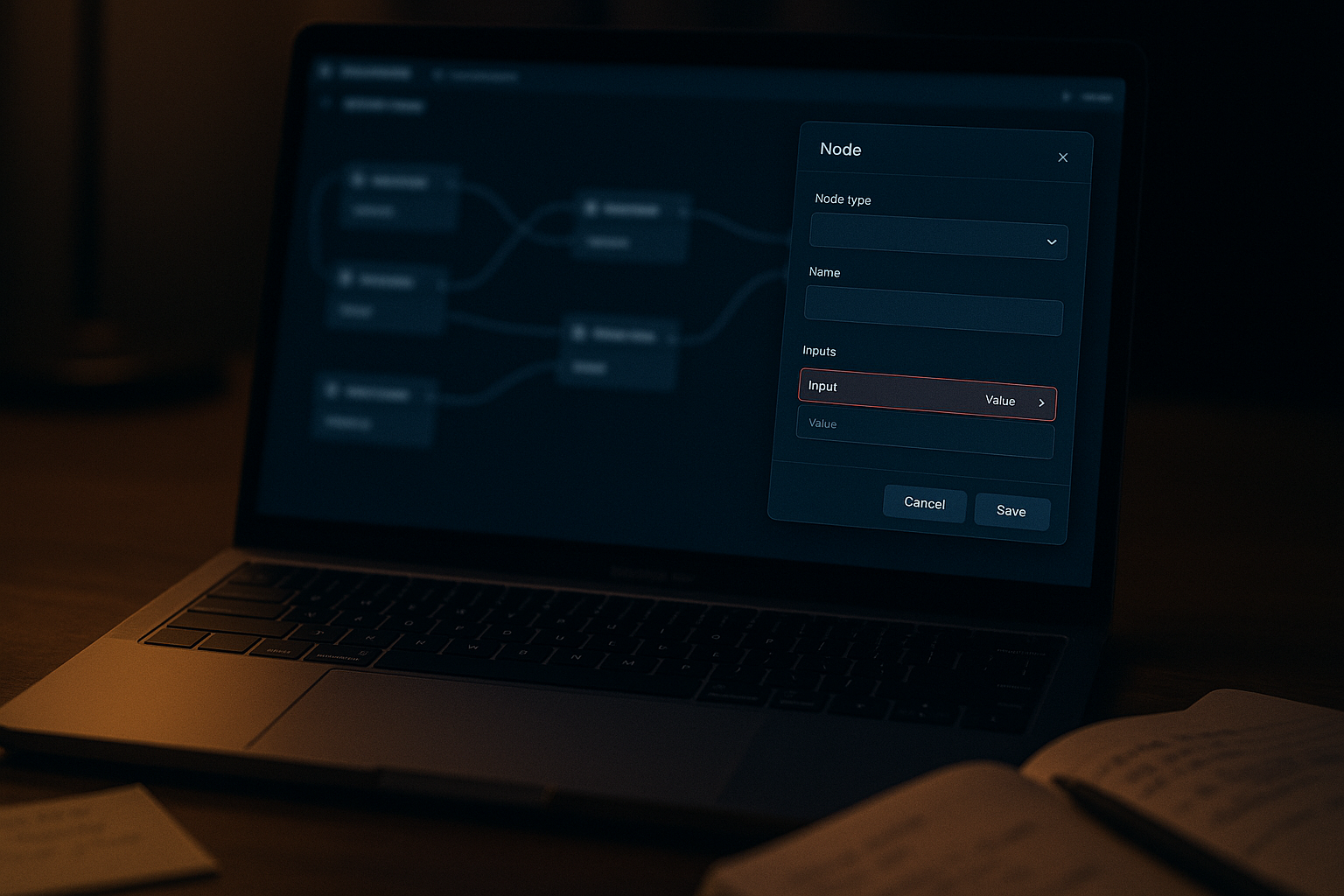
Open the start node configuration. Look at every required input variable. Ask one question: does every variable have a mapped source? An unmapped required variable does not always throw a visible error at trigger time. In some configurations, the workflow simply stops before the first agent receives control.
Step 3: Check the model node connection
If the start node looks clean, check whether the model node is correctly connected and whether the model itself is still accessible. A model API key that expired quietly, or a model endpoint that changed after a platform update, can cause the same frozen appearance.
Step 4: Validate the output node exists and is wired
A workflow with no output node, or with an output node that is disconnected from the final processing step, will sometimes execute silently and produce nothing visible. This is less common but worth checking before escalating to infrastructure-level diagnosis.
The Assumption That Cost the Most Time
The first instinct when a trigger fires but nothing processes is network or server latency. It feels logical. The system received the signal. Something downstream must be slow.
That assumption is almost always wrong when the workflow is new or was recently reconfigured.
The actual cause, in the most common pattern: the start node was missing a required input variable in its schema. The trigger fired successfully. The workflow attempted to hand off to the first agent. The agent expected a variable that wasn’t defined. Execution stopped with no error surfaced to the user.
Before fix: trigger confirmed → workflow silent → assumed server delay → restarted workers → no change.
After fix: trigger confirmed → start node input schema audited → missing variable defined → variable re-mapped to source → workflow executed on next trigger.
The fix took less than five minutes once the actual cause was identified. The diagnosis took much longer because the wrong layer was investigated first.
Input-output consistency between nodes is not a nice-to-have in agentic workflows. It is the mechanism. If a node expects something and that something does not exist in the schema, the chain breaks silently.
Before and After: Start Node Schema
Start node has two required input fields
Field 1: user_query — mapped to trigger input ✓
Field 2: session_context — defined in schema but source not mapped ✗
Result: trigger fires, first agent never receives control, no visible error
Start node input schema audited
Field 1: user_query — mapped to trigger input ✓
Field 2: session_context — mapped to default value or upstream variable ✓
Result: trigger fires, first agent receives all required inputs, execution continues
The Model Node Is a Separate Problem
Fixing the start node schema resolves the most common cause of this specific failure. But there is a second pattern worth knowing.
The model node can appear correctly configured while being functionally broken. This happens when a model API key has been rotated or expired, when the selected model endpoint has changed after a platform update, or when a self-hosted model container is unreachable from the Dify instance.
The symptom looks identical from the outside: trigger fires, nothing processes. The difference is that this version usually produces a timeout or a faint error in the Dify application logs, not complete silence.
The fastest check: swap the model node to a known-working model temporarily. If the workflow runs, the issue is the original model configuration, not the node logic. Swap back and fix the model credentials before continuing.
This is the kind of thing that gets missed because builders assume the model is fine since it worked in a previous workflow. A model that works in one context can fail in another if the API key scope, the endpoint, or the Dify environment config has changed between sessions.
You do not have a workflow problem. You have someone manually re-running broken automations every day while assuming the tool is working. That invisible correction loop — re-triggering, checking logs, patching outputs by hand — is your real automation cost, and it does not show up anywhere on the dashboard.
A workflow that appears to run but never actually processes is worse than a workflow that fails visibly. Silent failures get normalized. Normalized failures become invisible overhead.
What This Does Not Solve
This diagnostic path is built for one specific failure mode: trigger fires, first node never processes. It is not the right path for every Dify execution problem.
- Mid-workflow failures — If the workflow starts and breaks at node three or five, the start node schema is not the issue. Look at the specific node’s input expectations and what the upstream node is actually passing.
- HTTP node timeouts — A workflow stuck at an HTTP node is a separate problem, often related to external API response time or container networking, not the node schema.
- Sandbox syscall restrictions — If you are running Dify in a sandboxed or self-hosted environment, certain code execution nodes can fail due to restricted syscalls. That requires a different diagnostic path entirely.
- Recent platform updates — Major engine updates, including changes to runtime state management or workflow pausing logic, can introduce instability that has nothing to do with your node configuration. If everything looks correct and the workflow still fails after the fix, check the Dify GitHub issues for recent reports before assuming the problem is yours.

The Operational Cost You Do Not See
The deeper pattern here is not specific to Dify. Any agentic workflow that passes data between nodes will fail silently when one node expects something the previous node does not provide. The output of node A must match the input expectation of node B exactly — not approximately, not most of the time. The schema is the contract. Break the contract quietly, and the workflow stops without telling you why.
That is not a bug you report. That is a design assumption you validate before the workflow goes live.
Want the full diagnostic checklist?
Get the Dify workflow setup notes — a short, structured reference covering start node schema, model validation, and output node wiring. No fluff, no platform walkthrough.
A trigger that fires is not proof the workflow is working. It is proof the door opened. What happens next depends entirely on whether the first room was set up correctly.