
The canvas was open. The modules were connected. After roughly three hours, the Google Drive sync still wasn’t firing correctly — not because Make.com was broken, but because the workflow had grown four branches deep for a task that needed exactly two steps.
This is the failure mode that nobody warns beginners about. It’s not that Make.com is too hard. It’s that it makes complexity feel productive, and that feeling will eat your afternoon without producing a single working automation.
Quick triage — which situation are you in?
Use Zapier if: You need one working automation by end of day. The task is linear. You have no interest in routers, data transformers, or JSON parsing right now.
Use Make if: You already know what a webhook is, you’re building conditional branching across multiple apps, and you’re okay spending setup time now to avoid rebuilding later.
The trap: Choosing Make because it “feels more powerful” when you haven’t shipped anything yet.

The Constraint That Actually Matters
Most beginner comparisons frame this as a features question: which tool does more? That’s the wrong frame. The real constraint for a beginner is not capability — it’s time-to-first-working-automation. A tool that can do everything but takes four hours to configure one trigger is a liability until you understand what you’re configuring.
Zapier’s linear builder — trigger, action, done — gets a beginner to a working Zap in under ten minutes for most common app pairs. The interface doesn’t ask you to think about data flow or module sequencing. You pick the trigger app, pick the event, connect the action, map the fields, and test. When it works, you move on. That loop matters more than any feature list during the first month of building automations.
Make.com’s canvas model is genuinely more powerful. The visual scenario builder handles branching logic, multi-path routing, iterators, and data aggregation in ways Zapier can’t match without paid workarounds. But every one of those capabilities adds cognitive overhead. A beginner looking at a Make canvas for the first time sees a diagram that could mean anything. A beginner looking at a Zapier builder sees a checklist. One of those reads as progress. The other reads as a problem to solve before the actual problem.
If your constraint is shipping something functional this week, that gap is decisive.
Where Zapier Actually Broke
Zapier’s simplicity has a ceiling, and it arrives faster than the marketing suggests. A common failure point: multi-step Zaps with conditional logic. Zapier does support filters and paths, but the moment you need one trigger to branch into three different outcomes based on field values, the linear builder starts working against you. You end up duplicating Zaps, stacking filters awkwardly, and maintaining three separate automations that should be one workflow.
The operational symptom is specific: when a contact form submission needs to route to Slack if the lead score is above 70, to a CRM draft if it’s between 40 and 70, and to a discard folder below 40 — Zapier will technically do this, but you’ll build it as three separate Zaps with overlapping triggers and hope the filters don’t conflict. Make handles that same logic in a single scenario with one router and three paths. The difference in maintenance burden at month three is not small.
Zapier’s free tier also caps at 100 tasks per month as of recent reporting, which sounds like a lot until a single multi-step Zap burns five tasks per form submission. A small business running 30 form submissions a week will hit the ceiling and face a pricing decision before the workflow is fully validated.
If you’re already thinking about branching logic, volume thresholds, or data transformation before you’ve built your first automation, the ceiling becomes relevant faster than you’d expect. But if you’re not thinking about those things yet — and most beginners aren’t — Zapier’s ceiling is far enough away that it shouldn’t change your starting decision.
Where Make.com Actually Broke
The failure case is embarrassingly simple and extremely common: a straightforward two-app sync turned into a three-hour architecture session because Make’s interface rewards complexity. When the goal was “new file in Google Drive folder → send a Slack notification,” the correct solution was a two-module scenario. What actually got built was a four-module flow with a router, a filter condition, an error handler, and a data transformer that wasn’t needed for anything.
Make.com’s canvas doesn’t just allow complexity — it suggests it. Every module you add shows you what else you could connect. The visual layout makes branching feel like an obvious next step even when the task is linear. For a beginner without a clear mental model of what “done” looks like, that suggestion loop is expensive.
Before: Three hours into a Make.com scenario. Four modules connected, router configured, error handler attached. Google Drive sync still not firing. The filter condition was checking a field that didn’t exist in the trigger output.
After: Two-module Zapier Zap. Google Drive trigger → Slack action. Field mapping took four minutes. Working on the first test run.
The lesson isn’t that Make.com is unreliable. It’s that overengineering a simple utility task inside a powerful tool produces worse results than using a simpler tool correctly. A bulldozer doesn’t outperform a shovel when the job is digging one hole.
The Setup Path for Each Tool — What It Actually Looks Like
For Zapier, the path from zero to working automation follows this sequence: create an account → navigate to My Zaps → Create Zap → select trigger app (e.g., Google Forms) → select trigger event (e.g., “New Form Response”) → connect account via OAuth → set up action app (e.g., Gmail) → select action event (e.g., “Send Email”) → map fields from the trigger output into the action fields → click Test & Continue → turn Zap on. For most standard app pairs, that entire sequence takes under fifteen minutes including account connections.
For Make.com, the path is: create an account → navigate to Scenarios → Create a new scenario → click the empty canvas to add a module → search for your trigger app → select the trigger type → configure the connection → add a second module by clicking the + icon on the module edge → connect the action app → run the scenario once using Run once to test → check the output bubble on each module to verify field names before mapping them downstream. That last step — checking the output bubble — is where most beginners fail. If the field name in the trigger output doesn’t match what you typed in the filter condition, the scenario runs silently and produces nothing.
Check the trigger output bubble before building any filter or router in Make. The field names are displayed there exactly as they appear in the data payload. Typing them from memory produces errors that look like connection failures but are actually just string mismatches.
The Profit Angle
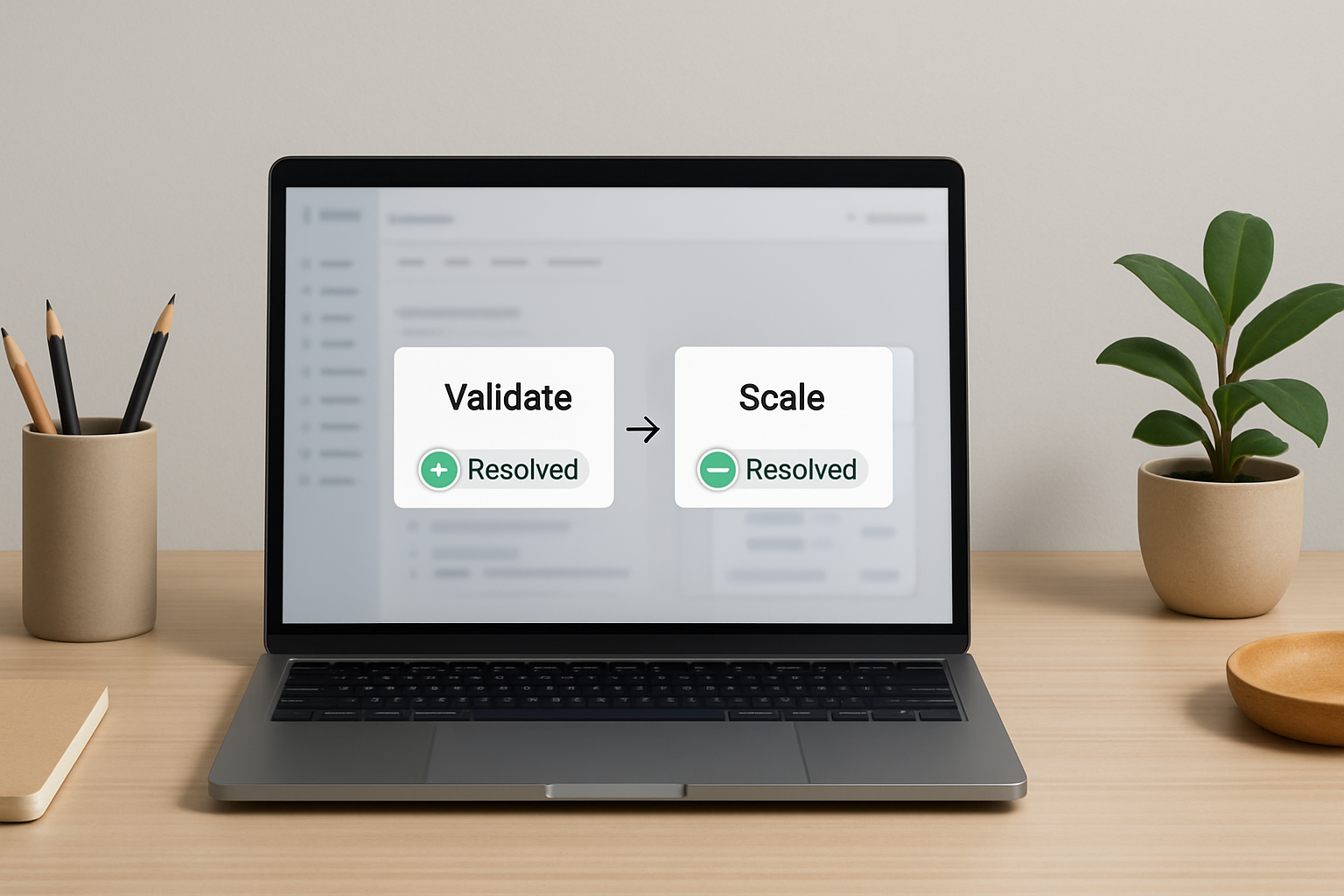
The hidden cost of choosing Make.com too early isn’t the learning curve — it’s the hours spent building infrastructure for a workflow that hasn’t proven it’s worth automating yet. Zapier lets you validate the workflow cheaply first. Make lets you scale it properly after.
When This Calculus Breaks Down
Zapier’s ease-of-use argument collapses the moment your workflow needs data transformation. If a form submission sends a date in MM/DD/YYYY format and your CRM expects YYYY-MM-DD, Zapier requires either a formatter step (available, but adds task consumption) or a workaround using a third app. Make handles that transformation natively inside a module with no additional task cost.
Similarly, if you’re building automations for a client or team where the workflow will process hundreds of operations per month, Zapier’s task-based pricing becomes a legitimate constraint. Make’s operation-based model at comparable pricing tiers typically allows significantly more volume for complex multi-step scenarios, though both platforms adjust pricing regularly and the specifics should be verified directly before committing.
Zapier also doesn’t solve for scenarios where the trigger app isn’t in its library. Make’s HTTP module and webhook support allow connections to almost any API, including custom-built internal tools. If your stack includes anything non-standard, Make’s flexibility is not a nice-to-have — it’s required.
Neither tool is the right answer for every situation. Zapier wins on time-to-first-result. Make wins on depth and volume efficiency at scale. The mistake is treating that tradeoff as permanent rather than sequential.
The Sequential Approach That Actually Works
Build the first version in Zapier. Validate that the workflow actually solves the problem. Confirm the trigger fires reliably, the output lands where it should, and the automation gets used. That validation loop — from idea to confirmed working automation — should take less than a day for a simple task. If it takes longer, the workflow design is wrong, not the tool.
Once the workflow is validated and you hit one of three signals — branching logic required, volume ceiling approaching, or data transformation needed — migrate to Make. The migration forces you to understand the workflow more deeply because Make’s module-based builder requires explicit data mapping at every step. That depth is useful when you already know the workflow is worth maintaining. It’s wasteful when you’re still testing whether the automation is worth building at all.
A practical threshold: if your first Zapier automation runs for two weeks without needing changes and you’re building a second one that requires conditional routing, open a Make account. If the second automation is also linear, stay in Zapier until you genuinely need what Make offers.
FAQ
Can I use Make.com as a complete beginner with no coding background?
Yes, but expect the first scenario to take longer than you think. The canvas model is visual, but concepts like iterators, aggregators, and routers require understanding data flow. Most beginners hit a wall on the second or third scenario, not the first. If you’re not willing to spend time on that learning curve upfront, Zapier is a faster starting point.
What happens when a Zapier Zap fails silently?
Zapier logs failed task runs in My Zaps → [Zap name] → Task History. When a Zap fails, the entry shows the exact step that failed and the error message. The most common silent failure is a filter step blocking all records — check filter conditions first if your Zap runs but produces no output on the action side.
Make.com’s free plan says 1,000 operations per month. Is that enough to start?
For testing and low-volume personal automations, yes. For anything processing more than a few dozen records per week, you’ll exhaust it within the first month. A two-module scenario burns two operations per execution, so 1,000 operations supports roughly 500 runs — less if your scenarios have more modules. Plan accordingly before connecting a live production trigger.
Can I build the same automation in both tools and compare?
Yes, and it’s worth doing once for a simple workflow. Build a trigger → single action Zap in Zapier. Build the same flow as a two-module Make scenario. The time difference will be visible and the output quality identical. That comparison is more useful than any feature list for deciding which tool fits your working style.
At what point does it make sense to migrate from Zapier to Make?
Three signals indicate the migration is worth the time: your workflow requires more than two conditional paths, you’re hitting Zapier’s task limit and the cost delta is meaningful, or a required data transformation isn’t cleanly available as a native Zapier formatter step. Any one of those is a reasonable trigger. None of them are reasons to skip Zapier at the start.
Get the setup notes
If you want the field-mapping checklist for both Zapier and Make.com — including the exact output bubble check sequence for Make — join the list. The next breakdown covers multi-step routing in Make for workflows that have already been validated in Zapier.
Before You Go
Use Zapier if you need one working automation this week and you haven’t built one before. Use Make when the workflow is already proven and the logic has grown past what a linear builder handles cleanly. The sequence matters more than the tool.