
The scenario was active. The webhook URL was live. Typeform submitted a response — and nothing moved. No execution in the scenario history, no error, no queued run. Just silence on the Make.com side while the form kept collecting submissions that went nowhere.
The instinct in that moment is to blame the source app. Typeform must be misconfigured. The integration must be broken. So you rebuild the Typeform connection, re-authorize the Make.com app, and test again. Still nothing. The webhook log stays empty.
What changed was not the source app. Make.com had pushed a module update that silently changed what the webhook endpoint required — and the old configuration was never migrated to match.
What the Update Actually Changed
Make.com webhook modules can shift their requirements between platform versions without surfacing a visible error in your scenario. The module itself does not break — it keeps accepting the URL call — but it may stop processing the payload if a header, content-type declaration, or authentication parameter that used to be optional becomes required after the update.
In the Typeform case, the updated webhook module began requiring an explicit Content-Type: application/json header on the incoming request. Typeform’s webhook settings do not set this by default on older integrations. The payload arrived, the endpoint received it, but the module discarded it before triggering the scenario because the content-type declaration was missing. No error surfaced because the HTTP handshake itself succeeded — Make.com returned a 200, Typeform marked the delivery as successful, and the scenario never ran.
This is the failure mode that wastes the most diagnostic time: everything looks healthy at the network layer, but the scenario execution layer never fires.
Webhook Health Check: Three Layers to Inspect
Before regenerating anything, work through these three layers in order. Each one narrows the cause before you start changing configuration.
Layer 1 — Test the Endpoint Directly
Go to your Make.com scenario, open the webhook module, and use the built-in “Run once” or “Listen” mode. Then manually trigger a test submission from Typeform (or whatever your source app is). Watch whether the webhook module captures the incoming data structure. If the data bubble appears with populated fields, the endpoint is alive and the payload is arriving — the problem is downstream in the scenario logic. If the bubble stays empty after a confirmed submission, the payload is either not reaching Make.com or is being discarded at the module level before it triggers execution.
Settings path: Scenario canvas → Webhook module → right-click → Run this module only, then trigger your source app.
Layer 2 — Review Scenario Execution History
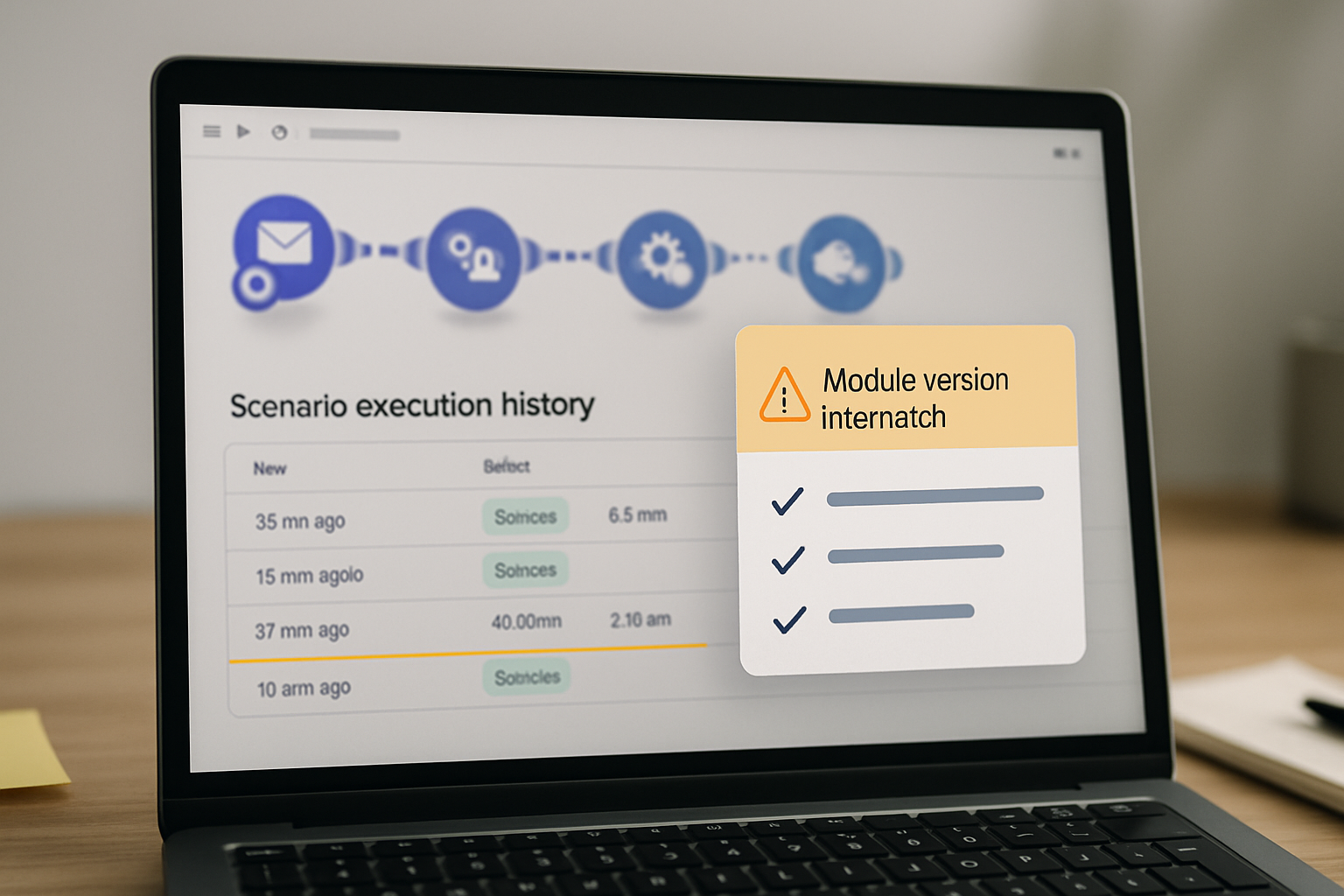
Open the scenario’s execution history log: Scenario canvas → History tab → filter by date range covering the update window. Look for the gap. If you see runs stopping at a specific date and nothing after, that date usually corresponds to when the platform update deployed. Check whether the last successful run used a different module version than the current one — the version number appears in the execution detail for each run. A module version mismatch between historical runs and the current canvas is a reliable indicator that the update changed required parameters without migrating your configuration.
Layer 3 — Compare Module Version Against Changelog
Make.com publishes module-level changes in their official changelog at make.com/en/release-notes. Find the update that deployed around the date your triggers stopped. Look specifically for changes to the Webhooks module under “New features”, “Breaking changes”, or “Parameter updates”. If a parameter that your old configuration did not set is now listed as required, that is your cause.
The Make.com community forum at community.make.com often surfaces these issues faster than the official changelog — search for your exact module name and the word “not triggering” filtered to the past 30 days.
Before and After: The Typeform Webhook Fix
Content-Type header specified. Submissions fired, Typeform logged 200 responses, Make.com execution history showed zero runs after the update date. No error visible on either side.
Content-Type: application/json added explicitly in Typeform’s webhook configuration under Connect → Webhooks → [webhook name] → Custom headers. Manual test trigger confirmed the data bubble populated. Scenario resumed executing on the next live submission.
The regeneration step matters even when the URL itself is not the root cause. A fresh webhook URL clears any cached state in Make.com’s routing layer and forces the module to re-register with the current version’s requirements. Skipping regeneration and only adding the header occasionally leaves the old module state intact, which can cause intermittent failures on the next update cycle.
Post-Update Break Checklist
Platform updates tend to break webhook triggers in four specific ways. Check each one after any Make.com update that coincides with a trigger failure.
- Authentication changes: Open the webhook module settings and verify the connection is still authorized. Go to Connections → [your connection] → Verify. Some updates force re-authorization even when the connection status still shows “Connected” in the UI. A stale OAuth token after an update will accept the HTTP request but fail to execute the scenario trigger.
- Deprecated parameters: Open the affected module and look for any field showing a warning icon or “deprecated” label. Make.com occasionally removes parameters from older module versions during updates. If a filter or mapping referenced a deprecated field, the module silently skips execution rather than returning an error. Check Scenario canvas → Module → Edit → review all mapped fields for yellow warning indicators.
- Routing filter conflicts: If your scenario uses a Router module after the webhook trigger, open each route’s filter condition and re-test it against the current data structure. Updates sometimes rename or restructure payload fields — a filter checking for
data.form_response.answers[0].textmay now need to reference a different path if the incoming payload schema changed. Use the data bubble from a fresh test run to verify every filter field still resolves to a non-null value. - Rate limit changes: Make.com occasionally adjusts rate limits on webhook processing, particularly for accounts on older plans. If your scenario history shows runs being queued but not executing, check Account → Plan → Usage → Webhook operations. A rate limit hit after an update will show queued payloads that never processed, which looks identical to a trigger failure until you check the operations counter.
Why This Actually Makes Money
A webhook that silently stops firing does not generate an error ticket — it generates missing data. For a lead capture or order intake workflow, that means records that were never created, follow-ups that were never sent, and a gap in your CRM that nobody notices until a client asks why their submission was ignored. The cost is not the debugging time. It is the operational gap that accumulates between the update and the moment someone finally checks the execution log.
Where This Fix Does Not Apply
Regenerating the webhook URL and adding the content-type header resolves the specific post-update break caused by changed module requirements. It does not fix every webhook failure pattern.
If your scenario history shows runs executing but the downstream modules are returning empty outputs, the problem is not the webhook trigger — it is field mapping or data structure drift between the source app and your scenario modules. Regenerating the URL will not change that. Open the data bubble from a successful incoming payload and manually remap any fields that no longer resolve.
If the webhook URL is being called from a third-party service that does not support custom headers (some older Zapier-to-Make migrations, certain legacy CRMs), adding a Content-Type header may not be possible on the sending side. In that case, the alternative is to add an HTTP module in Make.com as an intermediary that normalizes the incoming request before passing it to the main scenario trigger — though this adds latency and a dependency on a second scenario running correctly.
Rate limit failures on high-volume webhook scenarios also fall outside this fix. If a single scenario is processing more than a few hundred webhook calls per hour, Make.com’s async processing behavior means the trigger may queue payloads rather than executing them immediately. The fix there is architectural: split the intake webhook from the processing logic using a data store as a buffer, so the trigger responds with a 200 immediately and the processing runs on a separate schedule.
The Verification Run
After applying the fix, do not assume it worked because the first manual test succeeded. Run the following verification sequence before marking the scenario healthy.
- Submit three consecutive test entries from the source app within about 60 seconds of each other. Open the scenario execution history and confirm all three runs appear, each with a distinct timestamp and a populated data bundle — not just one run that might have been a cached trigger from the manual test.
- Check the execution detail for each run and confirm the data fields that were previously empty (or the fields your Router filters depend on) are now populated with real values from the test submissions.
- If the scenario uses a Router, open each route’s execution output and verify the correct path fired for each test submission. A router filter that references a renamed payload field will pass the trigger check but silently route every submission to the wrong branch or the fallback path.
- Wait 24 hours after the fix is deployed and re-check the execution history to confirm live submissions are processing. The manual test environment in Make.com occasionally behaves differently from production webhook delivery — a fix that works in test mode but fails on live submissions usually means the source app is still sending the old payload format.
- Set a scenario alert: Scenario settings → Notifications → Notify me if scenario does not run for X hours. Choose a threshold that matches your expected submission volume. This is the operational guard that catches the next silent failure before it becomes a multi-day data gap.
If you want the exact header configuration for Typeform, Jotform, and Gravity Forms alongside a Make.com scenario health check template, get the setup notes below — the next breakdown covers multi-step webhook chains where a silent failure in one scenario blocks every downstream automation connected to it.
Get the webhook configuration notes
Header configs for five common source apps, the post-update verification checklist as a copy-paste template, and the data store buffer architecture for high-volume webhook scenarios.
Final Verdict
The scenario execution log has the answer — if runs stop on the day of a platform update and the network layer shows clean 200s, check the module’s required headers before rebuilding anything else. Set the scenario notification threshold the moment the fix is live, because the next update will not announce itself either.