
The app ran clean in the editor. Every API call resolved, every key loaded, every service connected. Then deployment happened, and every environment variable returned undefined — simultaneously, across every single call that depended on them.
The first instinct is to check the code. The code is fine. The second instinct is to check the deployment logs. The logs show the app started. The third instinct is to assume the .env file didn’t copy over — and that assumption is technically correct but points to the wrong solution. Copying the .env file into the deployment doesn’t fix anything, because Replit’s deployed environment doesn’t read .env files at all.

Why the .env File Stops Working at the Deployment Boundary
Replit separates its development environment from its deployment environment at a hard boundary. Inside the editor workspace, the .env file is read locally by whatever runtime you’re using — Node, Python, or otherwise. That behavior is standard and works exactly as expected. The confusion starts because nothing in the Replit editor UI makes this boundary obvious. The app runs, the variables load, and nothing signals that this configuration is not portable.
When Replit deploys your app, it runs the production build in a separate container. That container does not mount your workspace files. It does not inherit your .env. It does not pull secrets from the editor sidebar. It only reads variables that were explicitly added through the Secrets tab inside the deployment configuration — a completely separate surface from the development Secrets panel in the editor.
This is the state transition that breaks most apps: development workspace reads .env → deployment container reads Replit Secrets → zero overlap unless you manually create it. Every variable that lives only in .env is invisible to the deployed app, and the deployed app will return undefined for every one of them without throwing a startup error that would make the cause obvious.
The Chain That Fails
The failure doesn’t announce itself cleanly. The app deploys successfully. The deployment URL loads. Then the first authenticated request fires and returns a 401 or a 500 because the API key is undefined. A database call returns a connection error because the DATABASE_URL is undefined. A third-party webhook fails silently because the signing secret is missing. Each of these failures looks like a different bug, and a developer chasing them individually will waste significant time before realizing they all share the same root: none of the production secrets were ever configured.
The wrong diagnosis here is almost universal: “something broke in deployment.” The working diagnosis is narrower — the deployment environment was never given the variables it needed, and the app was written assuming they would be there.
undefined in production on every request, causing cascading 401 errors across all authenticated endpoints with no startup warning.
How to Verify and Fix the Configuration: Step-by-Step
This is the exact sequence to move from broken deployment to working deployment. Each step maps to a specific UI location or code check — not a general suggestion.
- Open your Replit project and navigate to Tools → Secrets in the left sidebar. This is the development Secrets panel. List every variable currently stored here and in your .env file. These are your source of truth for what needs to exist in production.
- Go to the Deploy tab at the top of the Replit editor, then open your deployment configuration. Look for the Secrets or Environment Variables section inside the deployment settings panel — this is a separate screen from the editor Secrets sidebar and is only accessible through the deployment configuration flow.
- For each variable from step one, add it manually to the deployment Secrets panel using the exact same key name. Key names are case-sensitive.
API_KEYandapi_keyare treated as different variables. If the production code referencesprocess.env.DATABASE_URL, the deployment secret must be namedDATABASE_URLexactly. - After adding all variables, trigger a fresh redeployment. Previously cached deployment containers do not automatically pick up new secrets — a new deploy is required for the changes to take effect.
- After redeployment, check the runtime logs via Deploy → Logs. If variables are still returning
undefined, add a temporary diagnostic line to your app’s startup code — something likeconsole.log('DB URL set:', !!process.env.DATABASE_URL)— which logs a boolean rather than exposing the value itself. This will confirm in the logs whether the variable is being read at runtime without printing the secret. - If your app needs to behave differently in development versus production, use the built-in
REPLIT_DEPLOYMENTenvironment variable. Replit sets this automatically in deployed environments, so a check likeif (process.env.REPLIT_DEPLOYMENT)can gate production-only logic without requiring manual environment flags. - Once confirmed working, remove any diagnostic log lines before the next deploy. Logging environment variable presence is useful for debugging; logging the values themselves is a security issue.
The real ROI here is not just fixing the current deployment — it is eliminating the class of failures where the development environment silently masks production configuration gaps until the moment users hit them.
Correct Syntax for Accessing Environment Variables in Deployed Replit Apps
The access syntax itself does not change between development and production. What changes is whether the variable exists in the environment at runtime. These patterns work correctly once the Secrets are properly configured in the deployment panel:
Node.js / JavaScript:
// Access a secret set in Replit deployment Secrets
const apiKey = process.env.API_KEY;
const dbUrl = process.env.DATABASE_URL;

// Guard against undefined at startup — fail fast rather than fail silently
if (!apiKey) {
  throw new Error('API_KEY is not set in deployment Secrets. Check Deploy → Secrets.');
}

// Detect if running in a deployed environment
const isDeployed = !!process.env.REPLIT_DEPLOYMENT;
console.log('Running in deployed environment:', isDeployed);
Python:
import os

api_key = os.environ.get('API_KEY')
db_url = os.environ.get('DATABASE_URL')

# Hard fail at startup if critical variable is missing
if not api_key:
    raise EnvironmentError('API_KEY is not set. Add it in Deploy → Secrets.')

# Check for Replit deployment context
is_deployed = os.environ.get('REPLIT_DEPLOYMENT') is not None
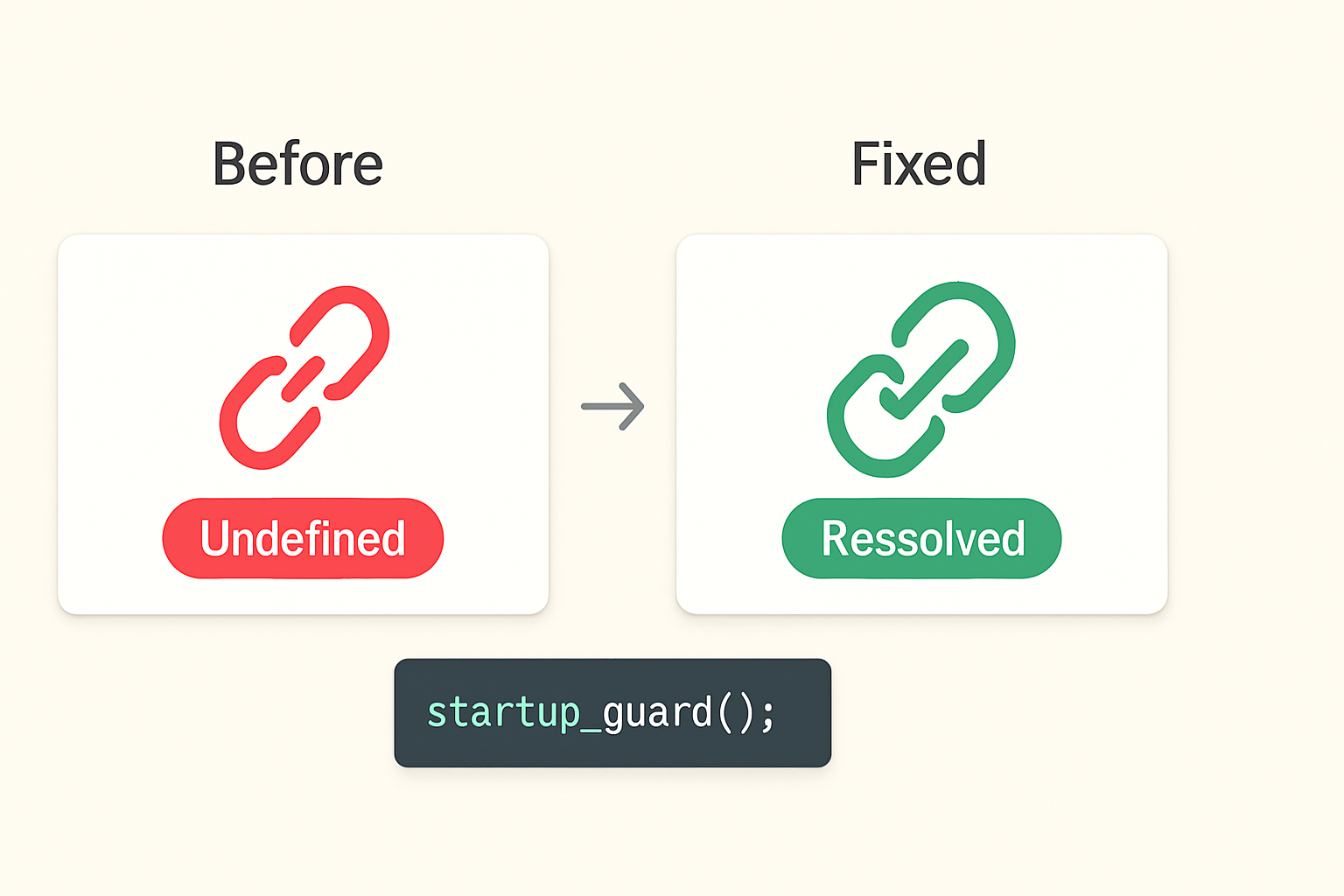
The startup guard pattern — raising an error immediately when a required variable is missing — is worth adding to every deployed app. Without it, a missing secret causes failures deep in request handling, often with error messages that don’t reference the missing variable at all. A startup check surfaces the problem at launch, in the logs, with a message that points directly at the fix.
Local vs. Production Environment Variable Behavior
In development, the Replit editor reads from the workspace Secrets panel and any .env file the runtime picks up automatically. Variables set there are available immediately without restarting. In production, only variables explicitly added to the deployment Secrets panel exist — and they only take effect after a fresh deploy, not after an edit. A variable added to the deployment Secrets panel at 2pm does not appear in the running deployment until a new deploy completes. The container that was launched at 1pm does not retroactively receive it.
This timing behavior is the second most common source of confusion after the initial missing-variable discovery. Someone adds the missing secrets, checks the deployed app immediately, and still sees undefined because the redeployment hasn’t run yet. The fix is applied but appears not to work, which sends the diagnosis in the wrong direction again.
Where This Breaks
This fix handles the case where secrets are absent from the deployment configuration entirely. It does not solve every environment-variable-related failure in Replit deployments.
If a variable is present in the deployment Secrets panel but the value itself is malformed — a private key with escaped newlines that don’t survive copy-paste, a connection string with a special character that gets URL-encoded incorrectly — the variable will be defined but the service will still reject it. The startup guard will pass, and the failure will appear later in request handling. For these cases, the diagnostic log approach from step five above is the right tool: log the type or length of the variable at startup to confirm the value arrived intact.
Secrets with very long values, particularly PEM-encoded certificates or multi-line private keys, sometimes require specific handling depending on how Replit stores and injects them. If a multi-line secret is not behaving as expected in production, test whether encoding it as a single-line base64 string and decoding it at runtime resolves the issue.
Finally, this entire approach assumes the deployment is running on Replit’s managed infrastructure. If the app is exported and deployed elsewhere, Replit Secrets do not follow it. The secrets must be re-provisioned in whatever secret management system the target environment uses.
What Prevents This From Happening Again
The underlying cause is that .env files and Replit deployment Secrets are two separate systems with no synchronization between them. The practical fix is to treat the deployment Secrets panel as the canonical configuration location — not the .env file — and update it first whenever a new variable is added to the project.
A simple convention that works: keep a secrets.example file in the project root that lists every required variable name with placeholder values. No actual secrets in the file — just the key names. Before any deployment, use that file as a checklist against the deployment Secrets panel. If a key exists in secrets.example but not in the deployment panel, the deployment will fail in a predictable way.
# secrets.example — list all required environment variables here
# Do NOT put real values in this file
API_KEY=
DATABASE_URL=
WEBHOOK_SECRET=
STRIPE_SECRET_KEY=
JWT_SECRET=
Cross-referencing this file against the deployment Secrets panel before each deploy takes roughly two minutes and eliminates the entire class of “deployed but broken” failures caused by missing configuration.
Want the deployment checklist template and startup guard patterns for Node and Python as a single copy-paste file? Join the list and get the setup notes sent directly — no generic newsletter, just the working configuration.
If the deployed app still returns undefined after adding all secrets and redeploying, check whether the redeployment actually completed — a stuck or failed deploy will leave the old container running with the old (empty) environment.