
The external service sent the webhook. Replit returned a timeout. No error in the logs, no connection refused message — just silence on the receiving end, and a failed delivery notification from whatever triggered the request.
The first assumption is usually that Replit is blocking the incoming request at the network level. It isn’t. The more common cause sits one level lower: the Flask or Express app is binding to 127.0.0.1 instead of 0.0.0.0, which means it accepts connections only from the same machine. External requests never reach the port. They simply disappear.
That single misconfiguration — combined with Replit’s sleeping behavior on free-tier Repls — accounts for the majority of webhook receiver failures that look like a platform problem but aren’t.
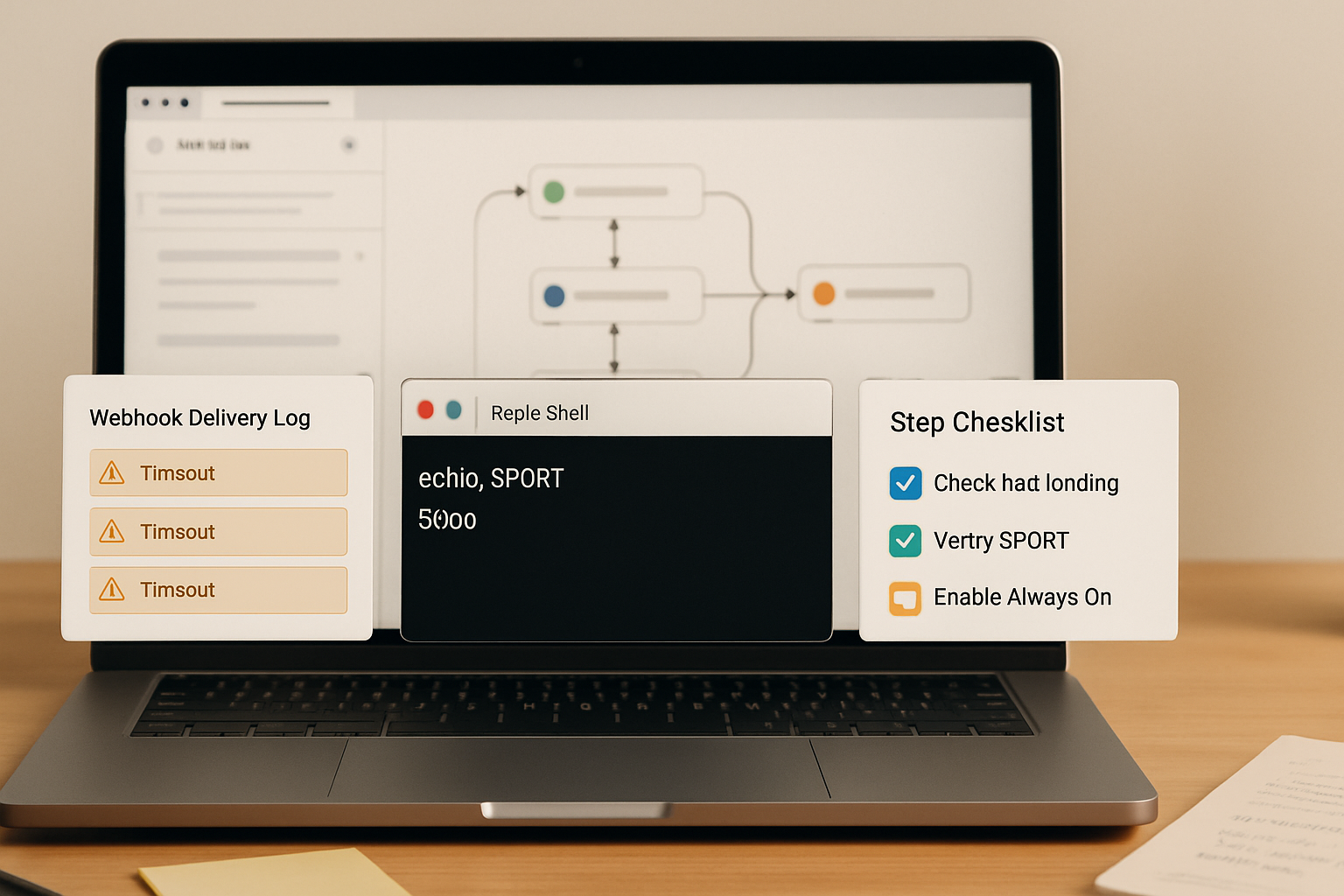
The Chain That Breaks Before the First Request Arrives
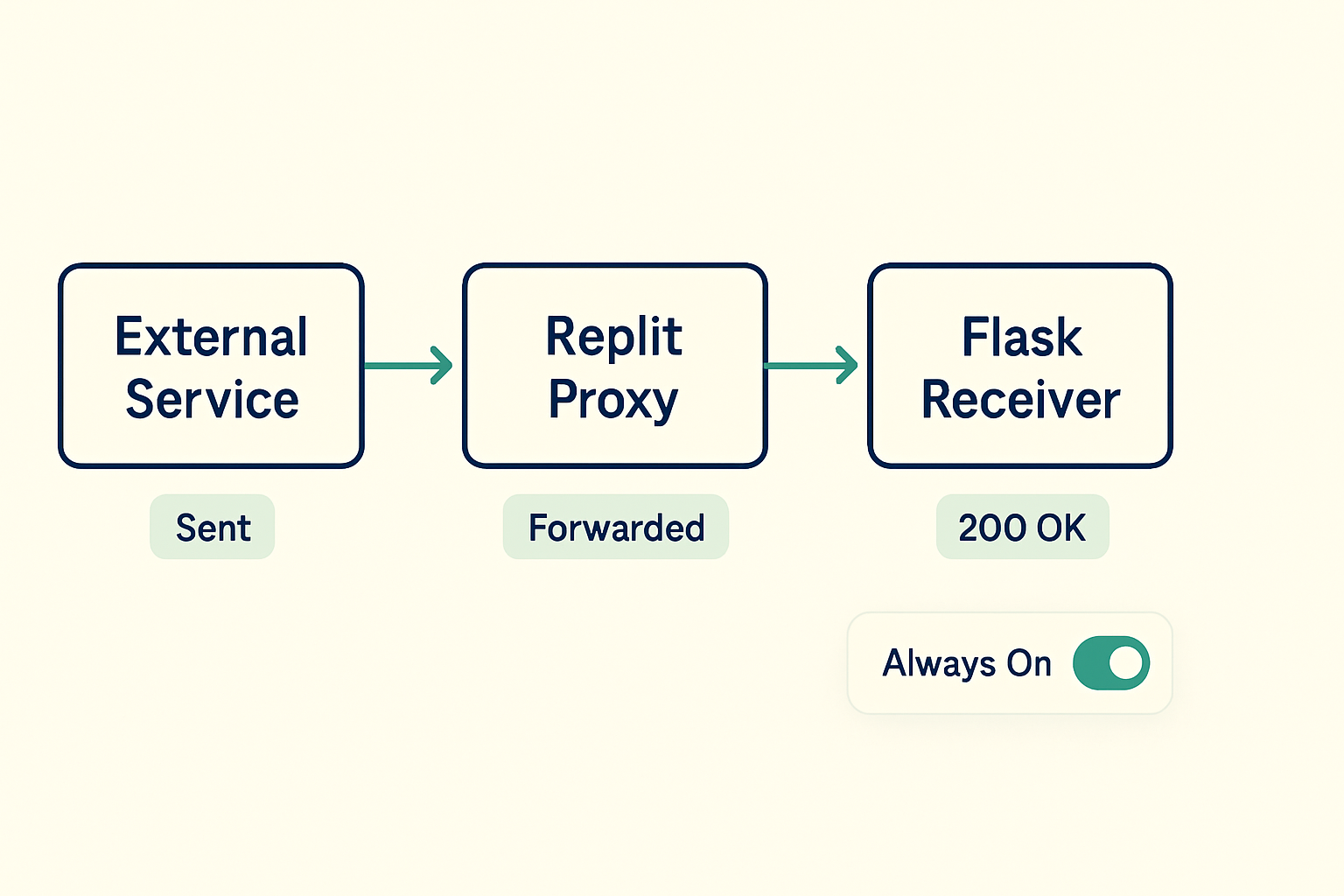
Here is the actual failure sequence. The webhook sender fires a POST request to your Replit URL. That request hits Replit’s routing layer, which forwards it to your Repl’s exposed port. Your app, if it’s bound to 127.0.0.1, is listening on a loopback interface that is invisible to anything outside the process itself. The forwarded request has nowhere to land. The connection times out at the Replit proxy layer, and the sender logs a delivery failure.
If the Repl has been idle for more than a few minutes and Always On is not enabled, the runtime isn’t even running when the request arrives. The Repl needs to spin up first, which takes several seconds — long enough that most webhook senders will time out and mark the delivery as failed before the app is ready to accept the connection.
Two separate failures, both invisible at the surface level, both fixable with one config change and one setting toggle.
Before/After: What the Broken Version Looks Like vs. What Works
127.0.0.1, the port is hardcoded to 5000, and the Repl goes to sleep after roughly five minutes of inactivity.
0.0.0.0, reads the port from the $PORT environment variable (defaulting to 8080 if unset), and the Repl stays alive because Always On is enabled. External POST requests land correctly.
The working Python receiver looks like this:
import os
from flask import Flask, request, jsonify

app = Flask(__name__)

@app.route('/webhook', methods=['POST'])
def webhook():
    data = request.get_json()
    print("Received:", data)
    return jsonify({"status": "ok"}), 200

if __name__ == '__main__':
    port = int(os.environ.get('PORT', 8080))
    app.run(host='0.0.0.0', port=port)
The two critical lines are host='0.0.0.0' and port=int(os.environ.get('PORT', 8080)). Without both, the receiver either binds to the wrong interface or listens on a port that Replit’s proxy isn’t routing to.
The equivalent Node.js/Express version:
const express = require('express');
const app = express();
app.use(express.json());

app.post('/webhook', (req, res) => {
  console.log('Received:', req.body);
  res.status(200).json({ status: 'ok' });
});

const PORT = process.env.PORT || 8080;
app.listen(PORT, '0.0.0.0', () => {
  console.log(`Webhook receiver running on port ${PORT}`);
});
Same logic: '0.0.0.0' as the host argument, process.env.PORT as the port source. The || 8080 fallback handles local testing where $PORT is not set.
Why $PORT Matters and Where to Find It
Replit assigns a dynamic port to each Repl at runtime and exposes it via the $PORT environment variable. If your app hardcodes port 5000 or 3000, it may be listening on a port that Replit’s proxy is not forwarding to, which produces a 502 Bad Gateway response rather than a timeout — a subtle but important distinction when diagnosing failures.
To verify the assigned port value from inside your Repl, open the Shell tab and run echo $PORT. Replit typically assigns 8080, but relying on os.environ.get('PORT', 8080) (Python) or process.env.PORT || 8080 (Node.js) is safer than hardcoding it, because the value can change between deployments.
You can also confirm which environment variables are available by navigating to the Secrets panel in the left sidebar (the lock icon). Any custom variables you set there are accessible as environment variables at runtime.
Always On vs. Sleeping Repls: The Second Failure Layer
Even with the correct binding and port config, a sleeping Repl will fail to receive the first webhook delivery after an idle period. Free-tier Repls sleep after roughly five minutes of no traffic. When the webhook arrives, Replit needs to cold-start the runtime, which takes several seconds. Most webhook senders have timeouts in the 3–10 second range. If the cold start takes longer than the sender’s timeout, the delivery fails — and depending on the sender’s retry policy, it may not retry at all.
The fix is Always On, available under the Repl’s settings panel (the gear icon → Always On toggle). Enabling it keeps the Repl running continuously so there is no cold-start delay on incoming requests. Always On is a paid feature on Replit’s current plans, so the practical constraint here is: if the webhook receiver needs to be reliable, the free tier is not the right deployment target for production traffic.
If Always On is not an option and the use case is low-frequency or test traffic, a workaround is to use an external ping service (such as UptimeRobot with a 5-minute interval hitting the Repl’s URL) to prevent the sleep. This is not a production solution, but it works for development and integration testing.
Step-by-Step Debugging Checklist
- Open your Repl and navigate to the Shell tab. Run
echo $PORTto confirm which port Replit has assigned. If the output is empty, your app should default to8080. - Check your app’s start command. Confirm that
host='0.0.0.0'(Python) or the'0.0.0.0'argument inapp.listen()(Node.js) is present. If the host argument is missing or set to127.0.0.1, external requests cannot reach the process. - Confirm the port value matches
$PORT. If your app hardcodes5000or3000and Replit assigned8080, the proxy has nothing to forward to, and the response will be a 502. - Open the Repl’s URL in a browser to confirm the app is running and the runtime is awake. A blank screen or connection error at this stage usually means the app is not starting correctly — check the Console tab for startup errors.
- Test the webhook endpoint from an external source using curl from a machine outside Replit:
curl -X POST https://your-repl-name.your-username.repl.co/webhook -H "Content-Type: application/json" -d '{"test": true}'. A 200 response confirms the endpoint is reachable. A timeout confirms a binding or sleep issue. A 502 confirms a port mismatch. - Navigate to the gear icon (Repl settings) and check whether Always On is enabled. If the Repl is sleeping between test requests, webhook deliveries will fail intermittently even when the config is correct.
- If the external service supports webhook delivery logs, check the recorded HTTP status codes. A pattern of timeouts points to the binding or sleep issue. A pattern of 502s points to the port mismatch. A pattern of 200s with missing data in your app points to a JSON parsing or route path issue.
Common Error Patterns and What They Mean
Three error states appear repeatedly in Replit webhook debugging, and each one points to a different layer of the problem.
A connection timeout from the webhook sender almost always means the Repl is either sleeping (no runtime to receive the connection) or the app is bound to 127.0.0.1 and the connection is being dropped at the interface level before any HTTP response is generated. Fixing the host binding and enabling Always On resolves both.
A 502 Bad Gateway means Replit’s proxy reached the Repl but found nothing listening on the expected port. This is the port mismatch scenario: the app is running but on a different port than Replit is forwarding to. Reading port from $PORT instead of hardcoding it eliminates this entirely.
A connection refused error, which is less common on Replit specifically, usually means the app process crashed or failed to start. Check the Console tab for startup exceptions — missing dependencies, import errors, or syntax errors in the startup file are the usual culprits. A connection refused on Replit’s proxy layer often surfaces as a 502 rather than a raw refused signal, so the 502 diagnostic above applies here too.
One pattern that is easy to miss: if the webhook sender uses HTTPS (which most do) and your Repl URL starts with https://, Replit handles TLS termination at the proxy layer. Your app does not need to configure SSL. If you are seeing SSL handshake errors in the sender’s logs, the issue is usually the URL format — confirm you are using the full Replit-assigned URL, not a custom domain that has not been configured.
Where This Breaks
Fixing the binding and enabling Always On gets most webhook receivers working, but there are edge cases where the problem persists after those changes.
If the webhook sender requires HMAC signature verification and your receiver is returning 200 before validating the signature, the payload is arriving but your downstream logic may be silently discarding it. This is not a Replit problem — it is a receiver logic problem. Add a print or log statement immediately on request entry, before any validation logic, to confirm the payload is landing.
Replit’s free tier has outbound and inbound rate limits. Under high-volume webhook traffic — roughly hundreds of requests per minute — the Repl can hit resource limits and start dropping connections. At that point, Replit is the wrong deployment target regardless of configuration. A lightweight VPS or a dedicated webhook processing service handles that load more reliably.
The Always On workaround using an external ping service is also not reliable for webhook receivers that need to process time-sensitive data. If the ping interval is five minutes and the Repl sleeps between pings, there is still a window where a webhook can arrive during a cold start. For anything where delivery latency matters, Always On (paid) or a different deployment platform is the right answer.
The real cost of this failure pattern is not the debugging time — it is the downstream effects. A webhook receiver that silently times out looks like a sender-side problem until someone checks the delivery logs. Depending on the integration, missed webhooks can mean missed orders, skipped automations, or silent data gaps that accumulate over days before anyone notices. Fixing the binding takes about thirty seconds; the invisible cost of not fixing it compounds much longer than that.
Get the setup notes
If you are building webhook-triggered automations on Replit or similar platforms, the config patterns above apply across most lightweight Python and Node.js setups. Join the list and get the webhook receiver template plus notes on routing payloads into downstream tools.
If the receiver is still timing out after the binding fix and Always On is enabled, run the curl test from an external machine before touching anything else — that single test tells you whether the problem is in the Replit config or in the sender’s request format.