
AI image generator for creating concept art
Introduction to AI Concept Art Generators
Concept art plays a crucial role in creative industries, serving as the visual foundation for films, games, animations, and other media projects. It establishes the look and feel of characters, environments, and props before full production begins. AI is now transforming this early-stage visual development process, enabling artists to generate and iterate on ideas with unprecedented speed and versatility.
The technology behind AI concept art generators relies on sophisticated machine learning models trained on vast datasets of images. These systems have evolved to understand complex text prompts and translate them into visual representations that match specific artistic styles, compositions, and elements—revolutionizing how creative professionals approach ideation and visual storytelling.
My Take: The integration of AI into concept art workflows represents one of the most significant technological shifts in visual development in decades. Market consensus indicates these tools are particularly valuable for rapid prototyping and exploration phases, where generating multiple visual directions quickly provides substantial competitive advantages to studios of all sizes.
Analytical Take: For teams evaluating an AI image generator for creating concept art, the main advantage at this stage is using models as high-speed sketch engines that expand visual options before artists commit time to detailed production assets.
How AI Image Generators Work for Concept Art
Text-to-image prompting forms the foundation of AI concept art generation. Artists describe their vision using natural language, and the AI interprets these descriptions to create corresponding visuals. The effectiveness of these tools hinges on understanding how to craft detailed, specific prompts that guide the AI toward desired outcomes.
Different AI models offer varying capabilities in terms of artistic styles, compositional understanding, and technical parameters. Most platforms allow users to adjust settings like guidance scale (how closely the AI adheres to the prompt), sampling steps (affecting detail and quality), and seed values (for reproducibility). This creates an iterative workflow where artists can progressively refine their concepts through multiple generations and adjustments.
My Take: The learning curve for effective prompt engineering represents both a challenge and opportunity for creative professionals. Users typically report significant improvements in output quality after developing prompt crafting skills. The iterative nature of these tools aligns well with traditional concept art workflows, where exploration and refinement are central to the creative process.
Analytical Take: In practice, an AI image generator for creating concept art functions best when prompts, seeds, and negative prompts are documented, turning what can feel like experimentation into a repeatable visual R&D process.
Key Features for Concept Artists
AI concept art generators offer several critical capabilities that make them valuable for professional creative workflows:
- Style customization: Most platforms provide extensive artistic style options, from photorealistic to stylized illustrations, allowing artists to match project requirements.
- Advanced editing capabilities: Image-to-image transformation, inpainting (modifying specific areas), and outpainting (extending beyond original boundaries) give artists precise control over their concepts.
- Resolution and quality: High-resolution output and upscaling techniques ensure concept art is detailed enough for production use.
- Fine-tuned control: Advanced prompt engineering features like negative prompts (specifying what to avoid), seed values, and aspect ratio controls help artists achieve consistent, targeted results.
My Take: The combination of style flexibility and technical control features distinguishes the most effective AI concept art platforms. Tools that balance intuitive interfaces with granular parameter adjustments tend to receive the strongest user adoption. Market trends suggest platforms that integrate seamlessly with existing creative software gain particular traction among professional studios.
Analytical Take: When comparing each AI image generator for creating concept art, teams usually get the most value from features that support iteration—such as image-to-image refinement and consistent aspect ratios—rather than from one-off dramatic renders.
Who Benefits Most: Use Cases and Audiences
AI image generators for concept art serve diverse creative professionals with specific workflow advantages:
- Game developers and character designers use these tools for rapid prototyping of characters, environments, and props, accelerating the pre-production phase.
- Filmmakers and animators leverage AI-generated concept art for pre-visualization, storyboarding, and creating comprehensive mood boards.
- Illustrators and graphic designers employ these platforms for quick ideation, exploring multiple visual directions before committing to final approaches.
- Independent creators and small studios with limited art resources find particular value in expanding their visual development capabilities without large art department investments.
These tools excel at supporting visual storytelling by generating dynamic scenes and keyframes for narrative development, making them invaluable across multiple creative disciplines.
AI concept art generators at a glance
Quick comparison based on price entry points, free plan availability, and concept art workflow strengths.
| Tool | Starting price | Free plan | Best for | Key strength |
|---|---|---|---|---|
| OpenArt | $7/mo | Yes | Budget-friendly exploration | Fast iteration and accessible creative controls |
| Leonardo.Ai | $12/mo | Yes | Concept workflows | Style variety plus refinement-oriented features |
| Midjourney | $10/mo | No | High-impact visuals | Strong aesthetics and cinematic composition |
| Stable Diffusion | $10/mo | Yes | Technical teams | Customizability, models, and controllable pipelines |
| DALL-E 3 | $20/mo | Yes | Prompt accuracy | Strong prompt understanding and clean concept reads |
| Artbreeder | $7.49/mo | Yes | Character ideation | Quick variations and style blending |
Tip: For production teams, reproducibility (seeds, versioning, references) often matters more than “wow” renders.
My Take: The democratizing effect of AI concept art tools is particularly notable for independent creators and smaller studios. Users typically report these tools create the most value during early ideation stages rather than final production. The efficiency gains in visual exploration allow creative teams to consider more diverse approaches within tight production schedules.
Analytical Take: For most users, the best AI image generator for creating concept art is the one that fits their collaboration model—solo creators prioritize ease of use, while studios focus on reproducibility, file handoff, and clear versioning.
Choosing the Right AI Tool for Your Concept Art Needs
Selecting the optimal AI concept art generator depends on several key factors:
- Creative control: Consider how much artistic direction and parameter adjustment the platform allows.
- Style diversity: Evaluate whether the AI can generate the specific aesthetic directions your project requires.
- Ease of use: Balance powerful features with interface accessibility and learning curve.
- Integration capabilities: Some platforms offer APIs and plugins that connect with existing creative software and workflows.
Each platform excels in different areas—some prioritize photorealistic outputs, while others specialize in stylized illustrations or character design. Community-trained models and fine-tuning options can further customize results for specialized artistic needs.
My Take: The ideal AI concept art platform varies significantly based on project requirements and team structure. Market consensus indicates specialized tools often outperform general-purpose generators for specific artistic domains. Organizations typically benefit from evaluating multiple options through trial periods before committing to a particular platform for production workflows.
Analytical Take: A simple scorecard comparing each AI image generator for creating concept art on control, style range, speed, and integration usually surfaces a clear winner for a given production, avoiding over-reliance on brand recognition alone.
Limitations and Challenges of AI in Concept Art
Despite their capabilities, AI concept art generators face several limitations:
- Achieving precise anatomical consistency and specific brand identity remains challenging for AI systems.
- Effective use requires developing skill in prompt engineering to achieve specific desired artistic results.
- Ethical considerations regarding intellectual property and training data sources continue to evolve within the AI art community.
- While powerful tools for ideation, AI generators complement rather than replace human creativity and artistic judgment.
My Take: The technical limitations of AI concept generators are gradually diminishing with each model iteration, but certain challenges persist. Users typically report that maintaining stylistic consistency across multiple generations requires careful attention to prompting techniques. The most successful implementations position AI as an amplifier of human creativity rather than a replacement for artistic expertise.
Analytical Take: When adopting any AI image generator for creating concept art, teams benefit from documenting guardrails—such as brand rules, reference sheets, and IP guidelines—so that fast iteration does not introduce off-brand or unusable visuals.
The Future of AI in Concept Art
The landscape of AI-powered concept art continues to evolve rapidly, with several emerging trends shaping its future:
- Integration of 3D generation capabilities alongside 2D concept art
- Real-time generation tools that respond instantly to creative direction
- Enhanced personalization features allowing artists to train models on their own style
- Improved collaborative features for team-based visual development
These advancements are redefining creative roles, with artists increasingly becoming directors and curators of AI-generated content while focusing their expertise on refinement and creative decision-making.
My Take: The trajectory of AI concept art tools points toward increasingly specialized applications tailored to specific creative domains. Market trends suggest the distinction between AI assistance and human artistry will blur as these technologies become more deeply integrated into established creative workflows. Organizations that develop systematic approaches to AI integration gain significant competitive advantages in production efficiency.
Analytical Take: As AI image generators for creating concept art gain real-time and 3D capabilities, role definitions will likely shift toward hybrid profiles—artists who can both direct AI systems and refine outputs with traditional techniques.
How I’d Use It
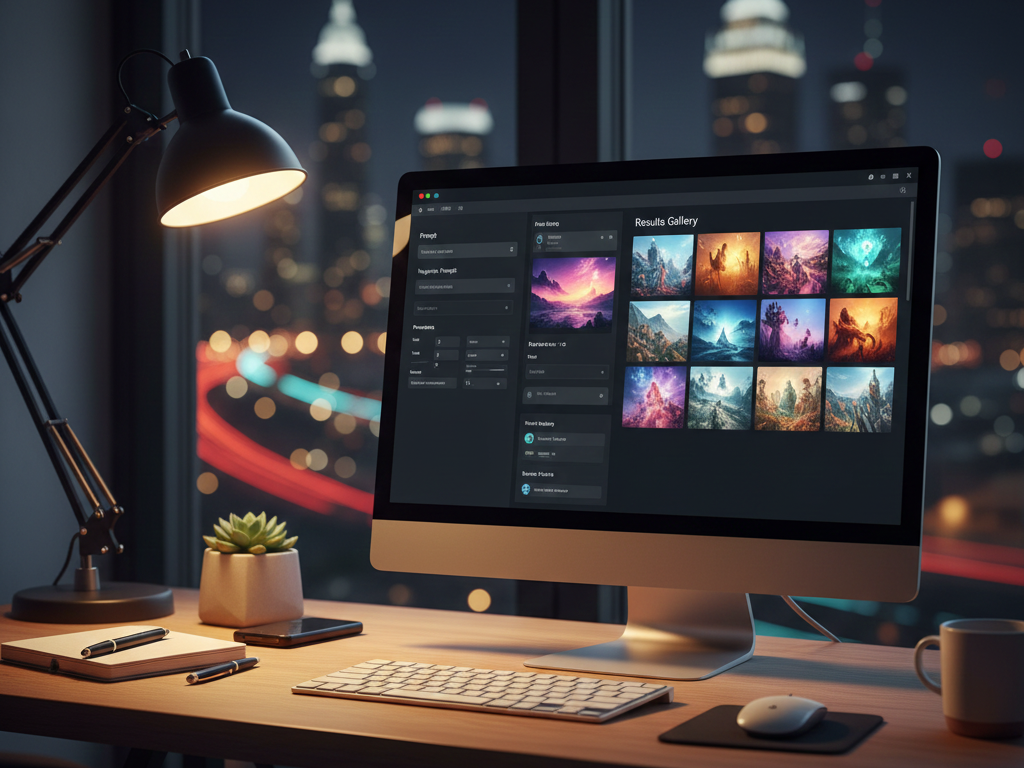
When I use an AI image generator for creating concept art, I treat it as a rapid ideation engine that helps me explore more visual directions before committing time to detailed painting or 3D work. The objective is speed with control—not random one-off images.
I start by defining a clear “visual brief” in one paragraph: subject, setting, mood, lighting, era, and practical constraints (silhouette, camera distance, palette, and any must-avoid elements). This prevents the model from drifting into generic fantasy or cliché compositions.
Next, I generate in batches with consistent parameters. I lock the aspect ratio and keep prompts structured so I can compare results fairly. Once I find a promising direction, I switch to iterative refinement using image-to-image, inpainting for problem areas (hands, faces, props), and outpainting for composition changes (wider environment or stronger framing).
For teams, I document everything: prompt, negative prompt, seed, model/style choice, and a short note about what worked. That turns “experimentation” into a repeatable visual R&D process that other artists can pick up without guessing.
Finally, I do a production sanity check. I export a small set of winners (usually 6–12) and tag them by purpose: moodboard, keyframe, character turnaround direction, environment shape language, or prop exploration. AI outputs are strongest when they function as direction and reference—then artists take over for final design and consistency.
Conclusion: Empowering Creativity with AI
AI image generators have transformed concept art by dramatically accelerating visual ideation and expanding creative possibilities. These tools enable artists to explore diverse visual directions rapidly, making them invaluable for pre-production across games, film, animation, and other visual media.
As the technology continues to mature, creative professionals who embrace these tools while maintaining their artistic vision and expertise will be best positioned to leverage AI’s capabilities. The future of concept art lies not in choosing between human creativity and artificial intelligence, but in finding the optimal synergy between them.
Pricing Plans
Below is the current pricing overview for the tools mentioned above:
- OpenArt: $7/mo, Free Plan Available
- Leonardo.Ai: $12/mo, Free Plan Available
- Midjourney: $10/mo, No Free Plan
- Stable Diffusion: $10/mo, Free Plan Available
- DALL-E 3: $20/mo, Free Plan Available
- Artbreeder: $7.49/mo, Free Plan Available
Analytical Take: For teams selecting an AI image generator for creating concept art, it is useful to map pricing against expected monthly output volume and the need for commercial rights, rather than judging plans on headline cost alone.
Value for Money
When evaluating value proposition, OpenArt and Artbreeder stand out for budget-conscious creators, offering substantial capabilities at entry-level price points with free tier options. These platforms provide excellent starting points for independent artists and small teams exploring AI concept art without significant investment.
For professional studios and serious concept artists, Leonardo.Ai and Midjourney deliver strong value despite their higher price points, offering advanced features that justify the premium. Their specialized capabilities for concept art workflows, particularly in style consistency and artistic control, make them cost-effective for production environments where time efficiency translates directly to budget savings.
DALL-E 3 positions itself at a premium price point but delivers exceptional quality and understanding of complex prompts, making it particularly valuable for high-stakes projects where output precision is critical. Meanwhile, Stable Diffusion offers unique value through its open-source foundation, allowing technically-inclined teams to customize and extend capabilities beyond what closed platforms permit.
Editor’s Summary
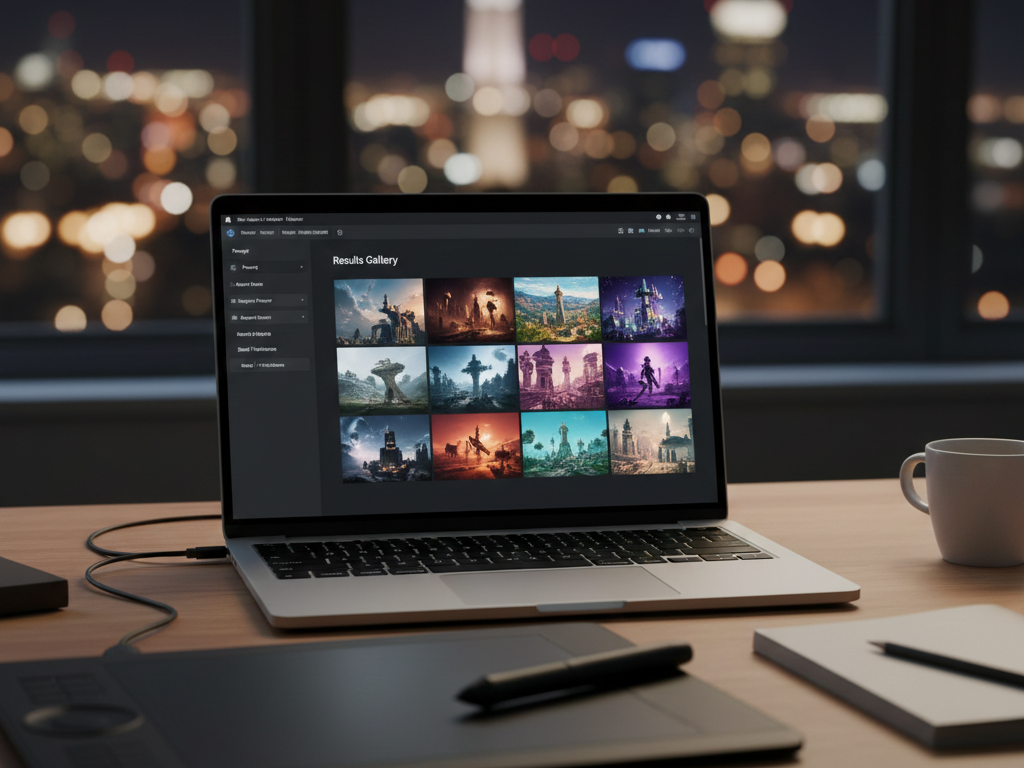
AI image generators have become essential tools in modern concept art pipelines, offering unprecedented speed and versatility in visual ideation. While each platform has distinct strengths—OpenArt and Artbreeder for accessibility, Leonardo.Ai and Midjourney for professional features, DALL-E 3 for prompt comprehension, and Stable Diffusion for customization—all significantly accelerate the exploration phase of visual development. The most successful implementations integrate these tools into existing workflows rather than replacing traditional skills. As the technology continues to evolve, creative professionals who develop expertise in effective prompt engineering while maintaining their artistic judgment will extract the greatest value from these powerful creative assistants.