
Why this matters: Choosing the wrong AI tool means you’ll spend more time troubleshooting technology than teaching, while the right one can cut lesson prep by half and give every student content that matches their readiness level.
⚡ Quick Verdict
✅ Best For: K-12 educators who need fast, flexible content generation and can supervise AI output for accuracy and appropriateness.
⛔ Skip If: You need automated grading, deep LMS integration, or can’t dedicate time to review and refine AI-generated materials.
💡 Bottom Line: ChatGPT offers maximum flexibility for custom differentiation; SchoolAI adds education-specific guardrails and student-facing tutors but requires more setup.
Why Differentiated Instruction with AI Matters Now
AI tools can generate ideas and learning materials specifically tailored for differentiated instruction, saving teachers valuable preparation time by automating content creation and adaptation tasks. Implementing AI can significantly boost student engagement by providing personalized and relevant content that adjusts to individual student needs and learning paces. The primary audience includes K-12 educators and higher education instructors who face growing pressure to meet diverse learning requirements without proportional increases in planning time.
What AI Tools Actually Solve in Differentiated Instruction
AI tutors deliver adaptive instruction that adjusts to individual student needs and learning paces, offering real-time feedback to help students understand concepts and correct mistakes immediately. Teachers can use AI to develop individualized assignments that cater to specific student strengths and weaknesses, generate varied assessment formats to better gauge understanding across different learning styles, and scaffold learning for diverse learners—including English Language Learners—by simplifying texts or providing translations.
- Personalize learning paths by suggesting resources and activities aligned with individual student progress and goals
- Offer content in multiple modes of presentation, such as text, audio, or simplified visuals, to suit different learning preferences
- Automate the creation of tiered assignments, reading materials, and practice exercises at varying complexity levels
Who Should Seriously Consider Using AI for Differentiation
Both individual teachers and broader educational institutions are exploring and adopting AI for differentiated instruction. You should seriously consider AI if you regularly create multiple versions of the same lesson, struggle to find time for one-on-one support, or teach classes with wide achievement gaps. AI makes the most sense when you have clear learning objectives, can review generated content for accuracy and bias, and want to shift time from repetitive prep work toward direct student interaction.
💡 Pro Tip: Start with one unit or one subject area to test AI workflows before scaling across your entire curriculum.
Who Should NOT Rely Solely on AI for Differentiated Instruction
AI solutions require careful human oversight to ensure the accuracy, fairness, and appropriateness of generated educational content. There is a potential risk of over-reliance on AI, which could inadvertently reduce the development of critical thinking skills in students, and ethical considerations such as algorithmic bias need to be addressed when deploying AI in educational settings. Concerns exist regarding data privacy and the security of student information when using AI-powered educational tools.
⛔ Dealbreaker: Skip AI-only approaches if you lack time to review outputs, need guaranteed curriculum alignment, or work in districts with strict data privacy policies that prohibit third-party AI platforms.
- Teachers new to technology who face a steep initial setup and learning curve for mastering new AI tools
- Educators required to document every instructional decision with pre-approved materials
- Classrooms where students need intensive social-emotional support that AI cannot provide
ChatGPT vs. SchoolAI: When Each Option Makes Sense
ChatGPT (a general-purpose conversational AI from OpenAI used across industries for text generation and problem-solving) and SchoolAI (an education-focused AI platform designed specifically for K-12 teachers and students) represent two different approaches to AI-powered differentiation. What stood out was how ChatGPT offers maximum creative control for custom prompts but requires you to build every workflow from scratch, while SchoolAI provides pre-built education templates and student-facing AI tutors with built-in safety features.
Feature Showdown
ChatGPT
- Strength 1: Unlimited prompt flexibility for custom needs
- Strength 2: Fast content generation for lesson plans
- Limitation: No built-in student interaction tracking
SchoolAI
- Strength 1: AI tutors with safety guardrails
- Strength 2: Pre-built templates for differentiation tasks
- Limitation: Steeper learning curve for setup
ClassCompanion
- Strength 1: Core platform features
- Strength 2: General workflows
- Limitation: Varies by use case
Curipod
- Strength 1: Core platform features
- Strength 2: General workflows
- Limitation: Varies by use case
This grid compares ChatGPT, SchoolAI, ClassCompanion, and Curipod across key features.
💡 Rapid Verdict:
Good default for teachers comfortable with prompt engineering and content review, but SKIP THIS if you need automated student interaction tracking or can’t supervise AI-generated content before sharing with students.
Bottom line: Use ChatGPT when you need fast, flexible content generation for teacher-facing tasks; choose SchoolAI when you want students to interact directly with AI tutors and need education-specific guardrails.
⛔ Dealbreaker (ChatGPT): Skip this if you need automatic integration with your gradebook, student progress tracking, or pre-vetted content libraries aligned to specific standards.
⛔ Dealbreaker (SchoolAI): Skip this if you want complete prompt flexibility without platform constraints or prefer not to manage another separate login system for students.
Key Risks and Limitations of AI in Differentiated Learning
The initial setup and learning curve for mastering new AI tools can be a barrier for some educators, and many specialized educational AI platforms are designed to integrate with existing Learning Management Systems but may require technical support to configure properly. You must actively monitor for factual errors, inappropriate content, and biased language in every AI-generated resource before sharing with students.
- Data privacy concerns require clear understanding of how student information is stored, processed, and protected
- Over-reliance on AI-generated materials can reduce opportunities for students to develop independent research and critical thinking skills
- Algorithmic bias may inadvertently reinforce stereotypes or provide unequal quality of content across different student groups
💡 Pro Tip: Always review AI-generated content with the same rigor you’d apply to any third-party resource—check facts, test readability, and confirm alignment with your learning objectives.
How I’d Use It
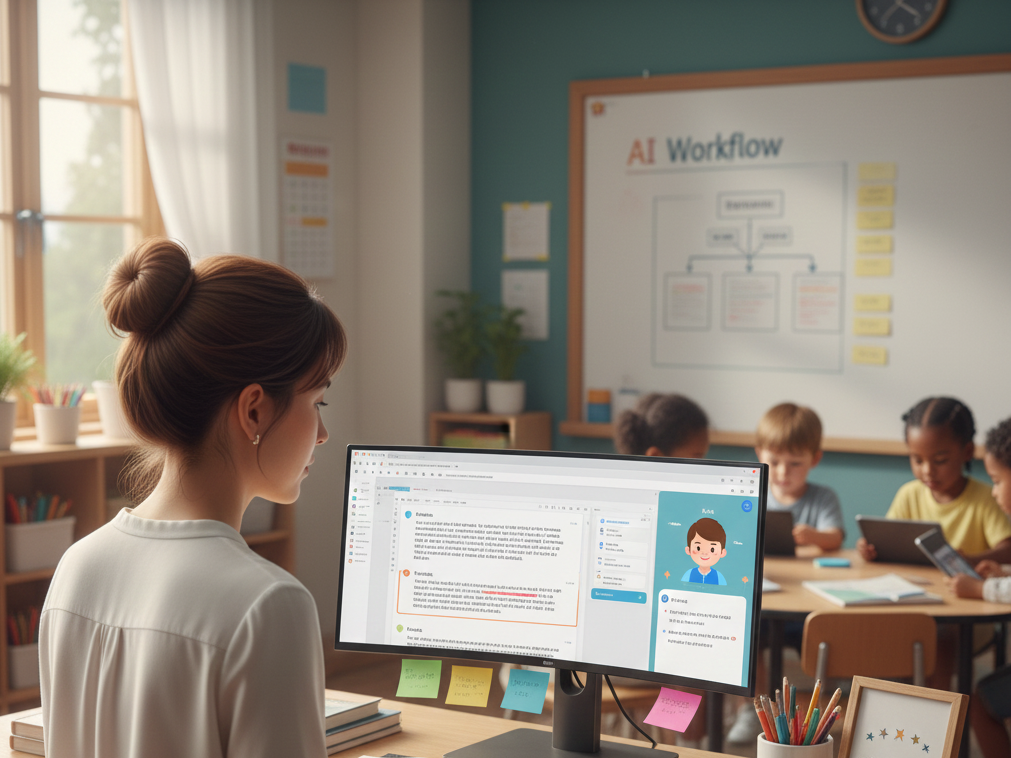
Scenario: a K-12 educator seeking innovative methods to personalize learning
This is how I’d think about using it under real constraints.
- Start with ChatGPT to generate three reading passages on the same topic at different Lexile levels, then manually review each for accuracy and age-appropriateness.
- Use the free tier of SchoolAI to create one AI tutor focused on a single unit (e.g., fractions), test it with a small group of students, and observe how they interact with the feedback.
- Compare time spent: track how many minutes you save on content creation versus time spent reviewing and refining AI outputs.
- If students respond well and you’re saving net time, expand to additional units; if review time exceeds creation savings, scale back to teacher-facing uses only.
- Document which prompts and workflows produce the best results, then share templates with colleagues to reduce their learning curve.
My Takeaway: AI works best as a drafting assistant that accelerates the first 70% of content creation, but you still own the final 30% that ensures quality, accuracy, and alignment with your students’ needs.
🚨 The Panic Test
If you deploy AI differentiation tools tomorrow and they fail, what breaks?
If you’ve built your entire lesson plan around AI-generated content without backup materials, a platform outage or inaccurate output leaves you scrambling. One thing that became clear is that AI should supplement—not replace—your core instructional materials and professional judgment. Always maintain a non-AI fallback for critical lessons, and never share AI-generated assessments or assignments with students without thorough review.
Pros and Cons
ChatGPT
Pros:
- Free tier available with no education-specific restrictions
- Unlimited prompt flexibility for custom differentiation needs
- Fast content generation for lesson plans, worksheets, and discussion prompts
Cons:
- No built-in student interaction or progress tracking
- Requires manual review for every output to ensure accuracy and appropriateness
- No automatic alignment with curriculum standards or learning objectives
SchoolAI
Pros:
- Education-specific AI tutors with safety guardrails for student use
- Pre-built templates designed for common differentiation tasks
- Student interaction tracking and feedback loops
Cons:
- Steeper learning curve for setup and configuration
- Less prompt flexibility compared to general-purpose AI tools
- Requires separate student accounts and login management
Pricing Plans
Below is the current pricing overview. Pricing information is accurate as of April 2025 and subject to change.
| Product Name | Monthly Starting Price | Free Plan Available |
|---|---|---|
| ChatGPT | Free tier available | Yes |
| SchoolAI | Free tier available | Yes |
| ClassCompanion | Free tier available | Yes |
| Curipod | Free tier available | Yes |
| MagicSchool AI | $12.99/mo | Yes |
Most platforms offer free tiers suitable for individual teachers testing AI workflows, with paid plans adding features like increased usage limits, advanced analytics, or priority support.
Value for Money
ChatGPT’s free tier delivers strong value for teachers who need flexible content generation and are comfortable with manual review workflows. SchoolAI’s free tier provides education-specific features that justify the learning curve if you plan to have students interact directly with AI tutors. MagicSchool AI at $12.99/month offers the most education-focused templates and tools, making it worth the cost if you regularly create differentiated materials across multiple subjects and grade levels.
The best value comes from starting with free tiers, measuring actual time savings against review time, and upgrading only when you hit clear usage limits or need specific premium features like LMS integration or bulk content generation.
Final Verdict
Use ChatGPT if you need maximum flexibility for teacher-facing content creation and can dedicate time to review every output. Choose SchoolAI if you want students to interact with AI tutors and need built-in safety features for K-12 environments. Consider MagicSchool AI or similar education-focused platforms if you regularly create differentiated materials and want pre-built templates that reduce prompt engineering time.
The decision hinges on two factors: whether you need student-facing AI interaction (favors SchoolAI or similar platforms) and how much time you can invest in reviewing AI outputs (more review time favors ChatGPT’s flexibility, less review time favors platforms with education-specific guardrails). Start small, measure time savings, and scale only when the workflow proves faster than your current methods.
Frequently Asked Questions
Can AI tools really save time on differentiated instruction?
Yes, AI tools can generate ideas and learning materials specifically tailored for differentiated instruction, saving teachers valuable preparation time by automating content creation and adaptation tasks. However, you must account for review time to ensure accuracy and appropriateness, which can offset some of the initial time savings.
Is it safe to let students interact directly with AI tutors?
Education-specific platforms like SchoolAI include safety guardrails designed for K-12 use, but you should still monitor student interactions and review AI-generated feedback. Concerns exist regarding data privacy and the security of student information when using AI-powered educational tools, so verify your district’s policies before deploying student-facing AI.
Do I need technical skills to use AI for differentiation?
Basic AI tools like ChatGPT require only the ability to write clear prompts and review outputs, but the initial setup and learning curve for mastering new AI tools can be a barrier for some educators. Education-focused platforms often provide templates that reduce the technical barrier but may require more time to learn platform-specific features.
Will AI replace my role as a teacher?
No. AI solutions require careful human oversight to ensure the accuracy, fairness, and appropriateness of generated educational content. AI works best as a drafting assistant that accelerates content creation, but you still own the final decisions about what students see, how they’re assessed, and how to respond to their individual needs.
What’s the biggest risk of using AI for differentiated instruction?
There is a potential risk of over-reliance on AI, which could inadvertently reduce the development of critical thinking skills in students, and ethical considerations such as algorithmic bias need to be addressed when deploying AI in educational settings. Always review AI-generated content with the same rigor you’d apply to any third-party resource.