
Decision Snapshot
Best for: Teams using custom LangChain tools that call external APIs and hitting silent argument mismatch failures
Avoid if: You’re using only prebuilt LangChain tools with no custom function wrappers
Reality: The error looks like a prompt failure. It’s a schema contract failure. Different fix entirely.
Verdict: Enforcing a Pydantic input schema eliminates the mismatch. The prompt becomes secondary.
The tool call looked right. The agent output looked right. It still failed.
The error message said missing required argument. The first instinct was to blame the prompt — tighten the instruction, add more context, remind the agent what the tool expects. That didn’t fix it. The second instinct was to blame the API version. That wasn’t it either.
The actual problem was one layer upstream, invisible until you knew where to look: the argument names in LangChain didn’t match the parameter names in the tool function. The agent was generating output. The tool was receiving it. But the contract between them was broken.
What the Error Actually Says
When LangChain throws missing required argument, it reads like the agent forgot to include something. So the natural move is to fix the prompt — tell the agent to always include the parameter, make the instruction more explicit.
This is the wrong diagnosis.
The agent isn’t forgetting. The agent is generating an argument with a name that doesn’t match what the function signature expects. The framework tries to pass it through. The function doesn’t recognize the key. The call dies.
There’s a second, less obvious version of this: LangChain’s Runnable protocol reserves certain argument names — config being one of them — to pass internal framework objects. If your tool function defines a parameter named config, the framework injects its own object instead of what the agent sent. The tool receives something it can’t use. The error looks like a missing argument. The actual cause is a name collision with an internal LangChain reserved keyword.
Two different failure modes. Same surface error. Both invisible until you stop looking at the prompt.
The Wrong Assumption That Costs Time
The first assumption when an integration breaks is usually version mismatch. Check the API version, check the LangChain version, check the dependency tree. This is reasonable — version conflicts cause real problems, and there are documented cases of TypeScript/LangChain version mismatches corrupting pipeline data in ways that are genuinely expensive to reverse.
But version mismatch produces a different class of error. Argument mismatch produces a specific, repeatable failure: the tool is reached, the input arrives, and then the call collapses because the key names don’t align.
The assumption that it’s a version problem sends the debug session in the wrong direction. The actual cause is that nobody defined a strict input schema for the tool, so LangChain was free to pass whatever argument names the LLM happened to generate — and the LLM doesn’t always generate the exact parameter names your function expects.
Schema alignment is more important than prompt precision. This is the core pattern. A perfectly written prompt cannot fix a broken argument contract.
The 30-Second Schema Integrity Audit
- The Prompt Fallacy: If you’re trying to fix “missing argument” errors by adding more instructions to your prompt, you’re just wasting tokens on a code-layer problem.
- The Reserved Name Trap: Using
configas a parameter name is a hidden collision that triggers silent failures—no matter how “smart” your model is. - Contract vs. Guesswork: A Pydantic schema moves the burden of accuracy from the LLM’s “instinct” to a hard code-level contract.
- The Labor Tax: Every manual log review caused by a tool-call mismatch is a direct hit to your automation’s ROI.
Before and After: The Argument Contract
Here’s what the broken version looks like in practice.
Before — no enforced schema:
@tool
def fetch_weather(location: str, units: str) -> str:
    """Fetch weather data for a location."""
    return call_weather_api(location=location, units=units)
The agent might generate: {"city": "London", "unit": "celsius"}
The function expects: location, units
Result: TypeError: missing required argument 'location'
After — enforced Pydantic schema:
from pydantic import BaseModel
from langchain.tools import StructuredTool

class WeatherInput(BaseModel):
    location: str
    units: str = "metric"

def fetch_weather(location: str, units: str) -> str:
    return call_weather_api(location=location, units=units)

weather_tool = StructuredTool.from_function(
    func=fetch_weather,
    name="fetch_weather",
    description="Fetch weather data. Use 'location' for city name and 'units' for metric or imperial.",
    args_schema=WeatherInput
)
Now the framework knows exactly what argument names to expect and enforce. The LLM’s output gets validated against the schema before it reaches the function. If the agent generates city instead of location, the schema catches it — and the description gives the agent enough signal to use the right key in the first place.
The tool description does more work here than the system prompt ever could. When the argument names are embedded in the schema description, the agent generates them correctly without needing to be told separately.
The Profit Angle
You don’t have a prompt quality problem. You have someone silently re-running failed tool calls every time the agent guesses the wrong argument name — and that correction loop never shows up in your sprint board or your API bill.
The Scenario That Shows Why This Compounds
The workflow looked clean: user input → agent → external API call → structured response → next step in the chain.
The assumption was that the agent would reliably generate argument names matching the tool’s function signature, because the system prompt described the tool clearly enough.
It didn’t. Not consistently. The agent used synonyms. It abbreviated. It restructured the keys depending on how the prior conversation context was phrased. Each variation that didn’t match the exact parameter name produced a failure. Most failures were silent — caught in a try/except block, logged, and retried. The retry sometimes worked. Sometimes it didn’t.
Once the workflow scaled to handle more requests, the failure rate became visible. Not catastrophic — just persistent. A background noise of broken calls that someone was quietly restarting.
Argument Mismatch: Operational Cost Breakdown
Manual review of logs → roughly 20–30 min per incident
Effect: invisible labor tax per run
Unstructured retries → duplicate API calls, doubled cost per failure
Effect: API spend grows without output growth
Schema validates before function call → mismatch caught at input, not at execution
Effect: failure loop eliminated, not just reduced
The Reserved Name Problem Nobody Mentions
There’s a second failure mode worth calling out separately because it’s harder to spot.
LangChain’s Runnable protocol uses the argument name config internally to pass a RunnableConfig object — the container for callbacks, tags, metadata, and execution context. If you define a tool function with a parameter named config, you’re not receiving what the agent sent. You’re receiving LangChain’s internal config object instead.
The tool then tries to use a RunnableConfig object as if it were whatever value the agent intended to pass. It fails. The error message doesn’t say “reserved keyword conflict.” It says something about a missing argument or an unexpected type.
The fix is straightforward: rename the parameter. Use api_config, tool_config, or anything that doesn’t collide with LangChain’s internal protocol names. Then update the Pydantic schema to match. The issue disappears.
This is the kind of failure that looks like a framework bug when you first hit it. It isn’t. It’s a namespace collision that the framework doesn’t surface clearly.
What This Does Not Solve
Enforcing a Pydantic input schema fixes the argument contract. It doesn’t fix everything.
If the agent is generating semantically wrong values — correct argument names, wrong content — the schema won’t catch that. A location field that receives "the city you asked about" instead of "London" passes schema validation. The API call fails for a different reason.
If the tool description is ambiguous, the agent will still misuse the tool even with a strict schema. The schema enforces structure. The description enforces intent. Both need to be correct.
And if the underlying API changes its expected parameters — field renames, deprecated arguments, new required fields — the schema needs to be updated manually. There’s no automatic sync between an external API spec and your Pydantic model. That maintenance gap is real and grows as integrations multiply.
Finally, this approach assumes you control the tool definition. If you’re using a prebuilt LangChain tool that wraps a third-party integration, you’re working with whatever schema the tool already has. The pattern here applies to custom tool implementations.
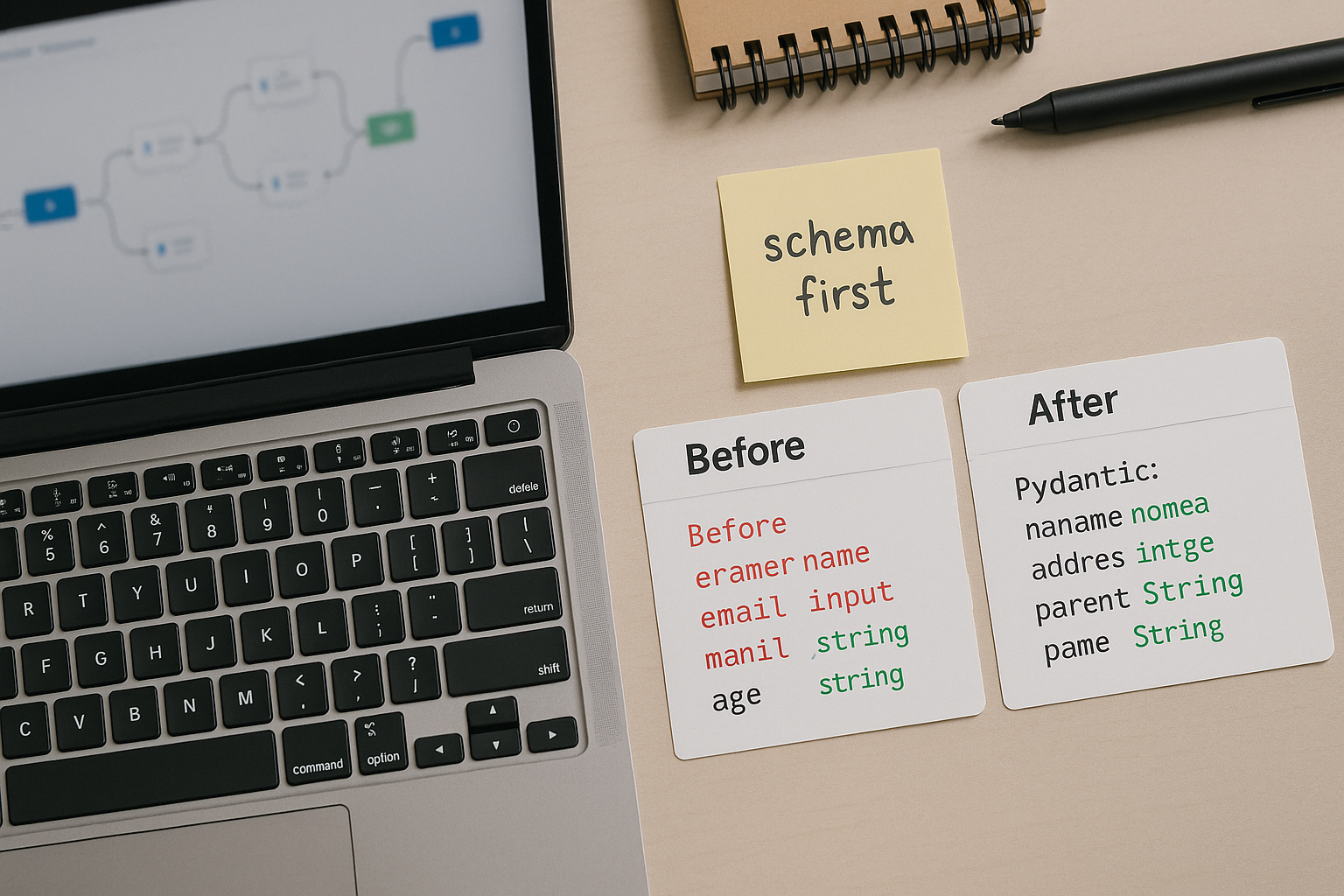
The Corrected Argument Contract in Practice
The working version follows a simple rule: the Pydantic schema is the source of truth, not the function signature alone.
Define the schema first. Name the fields exactly as the function expects them. Write the tool description using those exact field names — not synonyms, not abbreviations. Then bind the schema to the tool using args_schema. The framework uses the schema to validate agent output before the function is called. The function receives clean, correctly named arguments every time.
One additional pattern worth applying: keep tool descriptions short and argument-specific. Long descriptions give the LLM more surface area to generate creative interpretations. A description that says “use ‘location’ for the city name” is more reliable than one that says “provide the geographic location of interest.” Precision in the description reduces the gap between what the agent generates and what the schema expects.
The prompt didn’t need to be rewritten. The schema needed to exist in the first place.
Get the Setup Notes
The next breakdown covers structured output contracts for multi-tool agents — where the schema problem gets significantly harder. Join the list and get the pattern notes before they publish.
Before You Go
The agent wasn’t broken. The contract between what it generated and what the function accepted was — and no amount of prompt editing fixes a schema that doesn’t exist.
“The prompt is the last thing to fix. The argument contract is the first.”