
The dashboard showed the new key. The .env file had been updated. The application was still throwing 401 Unauthorized on every request — same as before the rotation.
This is not a key problem. The new key is valid. What the application is using is not the new key.
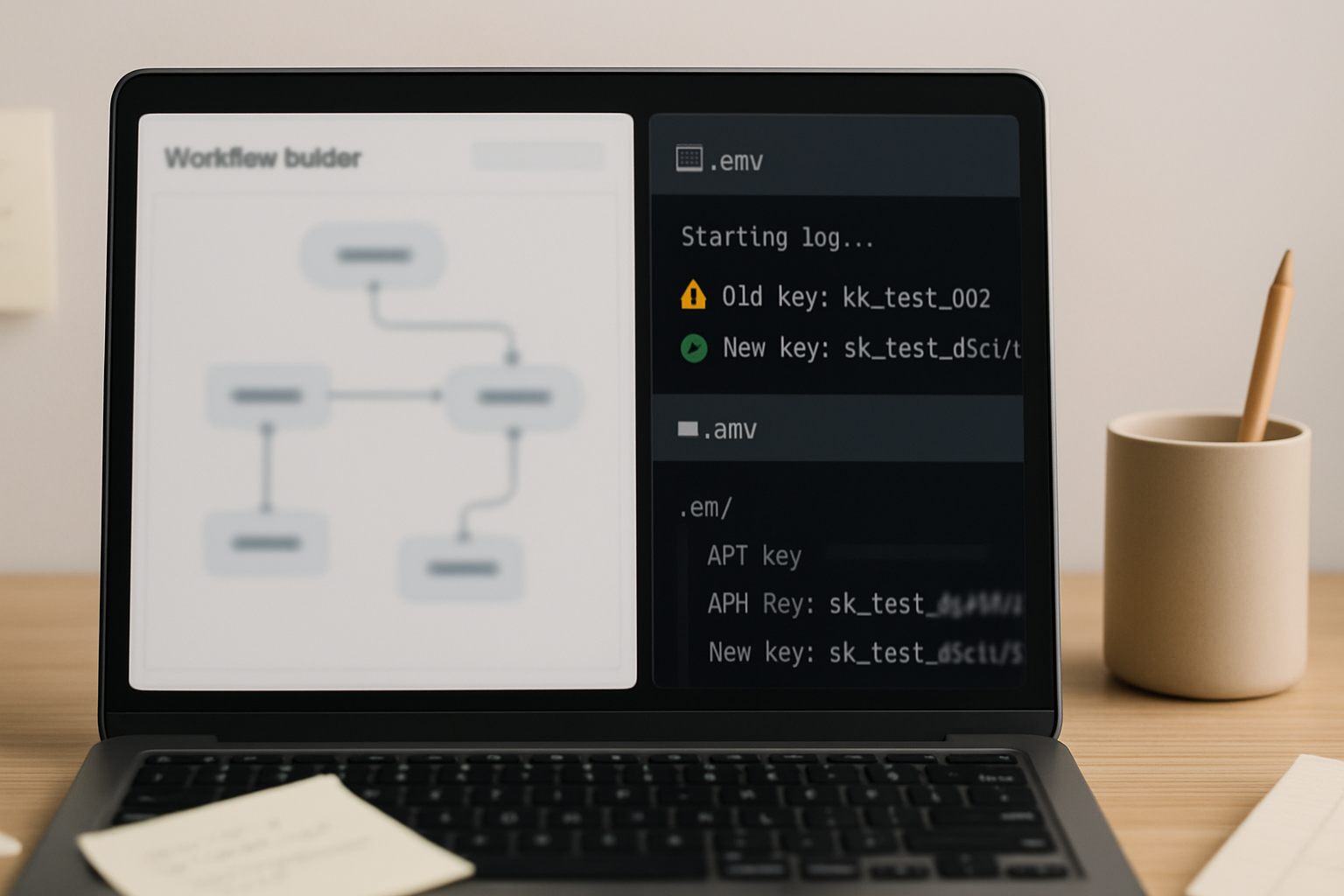
What Actually Happens During Key Rotation
When you rotate a secret in the OpenAI dashboard and paste the new value into your .env file, you have updated a file on disk. You have not updated anything in memory. Most application servers — Node.js, Python WSGI/ASGI, Gunicorn, PM2-managed processes — read environment variables once at startup and hold them in process memory for the lifetime of that process. A file change on disk does not reach a running process.
The chain looks like this: the server starts, reads OPENAI_API_KEY into memory, and every API call after that reads from memory — not from the file. When you update the file and expect the new key to propagate, the process is still holding the old value. The 401 error is the API telling you the key it received is no longer valid, which is precisely what you’d expect when the old key has been revoked and the process hasn’t been told about the replacement.
Hot-reload in most frameworks (Nodemon, Flask debug mode, FastAPI with --reload) restarts on code changes, not on environment variable changes. This distinction breaks the assumption that “I updated the config so the app should pick it up.”
The Wrong Diagnosis Almost Everyone Makes First
The first instinct is to check the key itself — copy it again from the dashboard, make sure there are no trailing spaces, confirm it starts with sk-. That’s reasonable. But if the key format looks correct and the dashboard shows it as active, the key is fine. Spending time re-copying it doesn’t fix a process that hasn’t restarted.
The second instinct is to check whether the .env file is being read at all. Also reasonable. But the file might be read correctly at startup and still contain the old key from the previous deployment — which means the file read is working, the value it’s reading is just stale relative to what the process loaded.
The actual state to verify is what value the running process currently holds in memory, not what the file contains on disk.
Verify What the Running Process Actually Sees
Before restarting anything, confirm the mismatch. Add a temporary print or log statement at the point where the API client initializes — not in a config file, but in the code path that runs on startup:
Python:
import os

# Place this before the OpenAI client is instantiated
loaded_key = os.environ.get("OPENAI_API_KEY", "NOT FOUND")
print(f"[startup] OPENAI_API_KEY loaded: {loaded_key[:8]}...{loaded_key[-4:]}")
Node.js:
// Place this before the OpenAI client is instantiated
const loadedKey = process.env.OPENAI_API_KEY || "NOT FOUND";
console.log(`[startup] OPENAI_API_KEY loaded: ${loadedKey.slice(0, 8)}...${loadedKey.slice(-4)}`);
If the partial key printed does not match the new key in your dashboard, the process is holding the old value. That confirms the issue is process memory, not key validity. Truncating the printed value (first 8 + last 4 characters) is enough to identify which key is loaded without exposing the full secret to logs.
The Fix Sequence
Once the mismatch is confirmed, the resolution is a full process restart — not a code reload, not a config reload, a complete process termination and restart so the new environment is read from scratch.
- Confirm the new key is correctly written to your
.envfile or injected into the environment via your secrets manager, container config, or CI/CD pipeline variable store. Open the file directly and verify the value — do not rely on your editor’s cached view. - Perform a hard restart of the application server. For PM2:
pm2 restart app-name. For Gunicorn: kill the master process and restart with your start command. For Docker:docker compose down && docker compose up. For systemd services:sudo systemctl restart your-service-name. - After restart, check your startup log for the key print statement added above. Confirm the partial key matches the new key from the dashboard before running any API call.
- Test the key directly with curl before trusting the application layer:
curl https://api.openai.com/v1/models \
  -H "Authorization: Bearer $OPENAI_API_KEY"
If curl returns a model list, the key is valid and the environment variable is loaded correctly in the current shell. If curl also returns 401, the problem is upstream — the key in your shell environment does not match the active key in the dashboard, and you need to source your .env file first: source .env && curl ....
Environment Variable Layers That Catch People Off Guard
Not all environment variables live in the same place, and rotation in one layer does not automatically propagate to others. The common layers, in order of where failures hide:
- .env file on disk — read by
python-dotenv,dotenv(Node), or similar loaders at startup. Changes require process restart. Never auto-propagates. - System environment (shell-level) — set with
export OPENAI_API_KEY=sk-...in the shell session. Exists only for the lifetime of that session. A new terminal window or SSH session will not have it unless it’s been added to~/.bashrc,~/.zshrc, or/etc/environment. - Container environment (Docker / Kubernetes) — injected at container start via
--envflags,docker-compose.ymlenv blocks, or Kubernetes Secrets. Updating the secret store does not restart the container. The container must be recreated to pick up the new value. In Kubernetes, if the secret is mounted as an env var (not a volume), a pod restart is required —kubectl rollout restart deployment/your-deployment. - CI/CD pipeline variables — stored in GitHub Actions secrets, GitLab CI variables, or similar. These are injected at job start. If you rotate the key and the pipeline is mid-run or uses a cached job environment, the old key may still be in use for that run. Trigger a fresh pipeline run after rotation.
The real ROI of getting this propagation chain right is not just one fixed 401 — it’s that the next rotation takes two minutes instead of forty-five, because the sequence is documented and the restart path is known before the incident happens.
Before/After: What the Broken State Looks Like vs. the Working State
.env file had the new key written to disk, but os.environ.get("OPENAI_API_KEY") at runtime returned the old revoked key — the one that had been loaded at the last startup. Every API call sent the revoked key, and every response came back 401 Unauthorized.
The diagnostic gap — the time between updating the file and realizing a restart was needed — is typically where the most time gets lost. Without the startup print statement, the wrong assumption (that the file update was sufficient) persists through multiple re-checks of the key format, the organization ID, and the API endpoint before process memory is ever considered.
Caching Issues in CI/CD Pipelines
CI/CD environments introduce a specific version of this problem. If your pipeline caches the build environment or reuses a warm runner, the OPENAI_API_KEY injected into the environment at the start of a cached job may be the value from the previous pipeline run — before rotation. GitHub Actions, for instance, injects secrets fresh per job, so this is less of an issue there, but self-hosted runners with persistent environments and some Docker layer caches can carry the old value forward.
The verification step in CI is the same curl command, run as an early pipeline step before any application code executes:
- name: Verify OpenAI API key is active
  run: |
    response=$(curl -s -o /dev/null -w "%{http_code}" \
      -H "Authorization: Bearer $OPENAI_API_KEY" \
      https://api.openai.com/v1/models)
    if [ "$response" != "200" ]; then
      echo "API key check failed with HTTP $response"
      exit 1
    fi
    echo "API key verified: HTTP $response"
If this step fails in CI after a rotation, the pipeline variable store has not been updated yet, or the runner is using a cached environment. Update the secret in the pipeline settings and trigger a fresh run — do not assume the running job will pick up a secret change mid-execution.
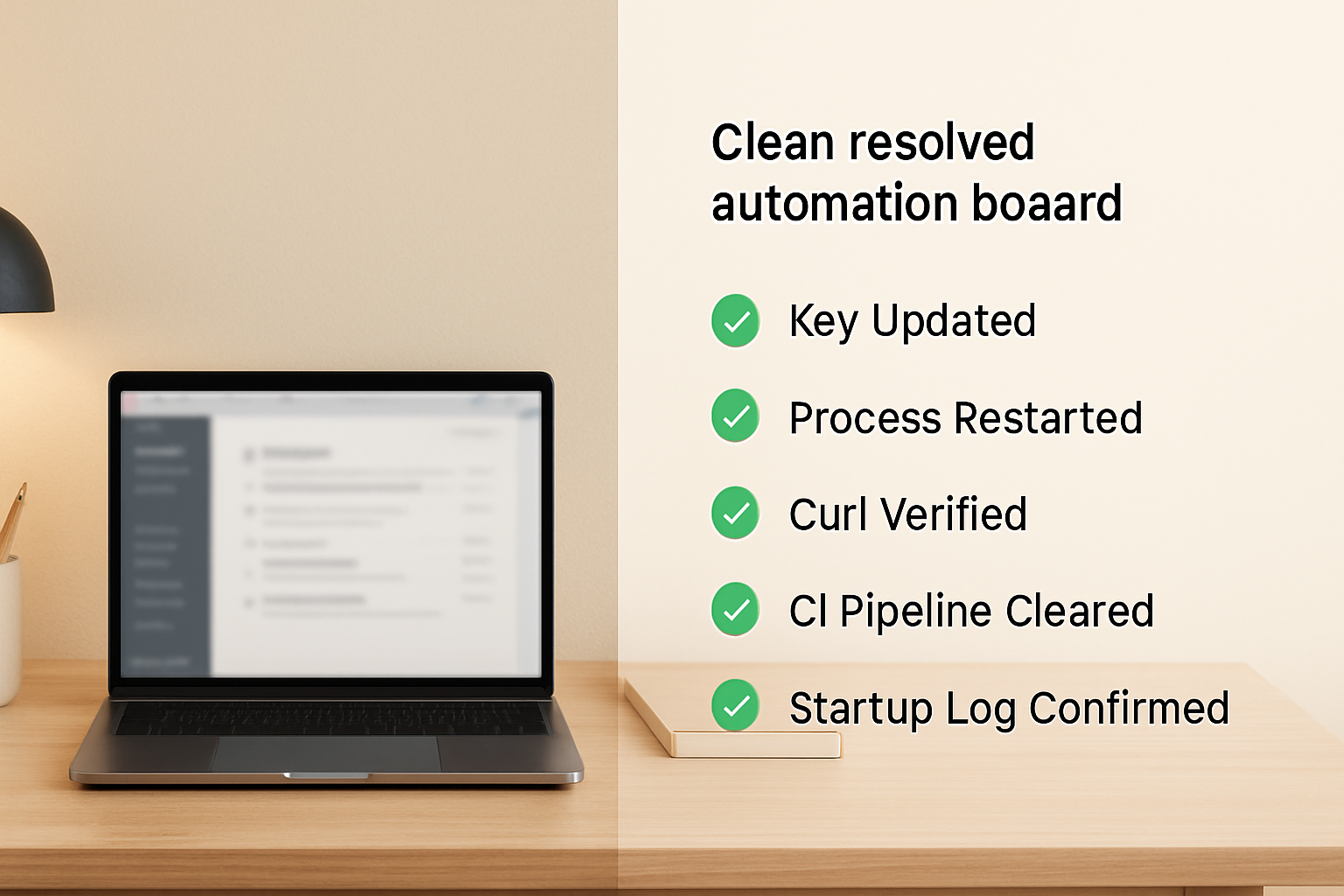
Verification Checklist After Any Key Rotation
- Open the OpenAI dashboard and confirm the new key is active and the old key has been revoked. Check that the new key starts with
sk-and has no trailing whitespace when copied. - Update the key in every environment layer where it exists:
.envfile, system environment exports, Docker Compose env blocks, Kubernetes Secrets, and CI/CD pipeline variable stores. Updating one layer and forgetting another is the most common source of partial failures. - Perform a hard restart of every application process that uses the key. Hot-reload is not sufficient. For containerized applications, recreate the container — do not just restart the application process inside a running container without re-injecting the environment.
- After restart, run the startup print statement in Python or Node to confirm the process loaded the new key value. Compare the first 8 and last 4 characters against the dashboard key.
- Run the curl test against
https://api.openai.com/v1/modelswith the loaded key before making any application-level API calls. A200response here confirms the key is valid and the environment variable is correctly set in the current process context. - If using CI/CD, add the curl verification step as the first job step after environment injection. A failed key check should block the pipeline before application code runs.
- Remove the startup print statement from production code after verification — or replace it with a structured log entry that masks the full key value before it reaches any log aggregation system.
Where This Doesn’t Help
This fix covers the propagation failure — the gap between updating the key on disk and the running process using it. It does not cover every 401 scenario. If the new key itself was generated incorrectly, copied with hidden characters (some password managers inject zero-width spaces), or belongs to a different organization than the one your API endpoint is configured for, the restart will not resolve the error. Similarly, if you’re using Azure OpenAI rather than the direct OpenAI API, the key format and endpoint structure differ — a valid OpenAI key sent to an Azure endpoint returns 401 regardless of how cleanly the environment is configured.
If the curl test returns 401 after a confirmed restart and a verified key copy, the next diagnostic step is to generate a brand new key in the dashboard, paste it directly into the terminal as an inline variable, and run curl again without touching any .env file — isolating whether the problem is the key itself or the environment loading chain.
If you want the full environment propagation checklist and the CI/CD verification snippet as a reusable workflow file, get the setup notes — it includes the startup verification patterns for Python, Node, Docker Compose, and GitHub Actions in one place.
After a key rotation, the only state that matters is what the running process holds in memory at the moment it makes the API call. Everything else — the dashboard, the file, the secret store — is upstream of that. Verify the process, not the file.