
Why Is My Replit Agent Deployment Failing on Vercel? I Broke It Four Times to Find Out.
Last Tuesday, I spent three hours trying to deploy a Replit Agent build to Vercel. The app worked perfectly inside Replit’s preview environment. Clean UI, all features functional, exactly what I’d prompted. Then I hit deploy.
What followed was four consecutive failures, three different error messages, and one moment where I genuinely considered just leaving the app inside Replit forever and calling it a day.
I didn’t. And what I found in those three hours is worth documenting — because every single error was fixable, none of them were obvious, and the Replit + Vercel documentation doesn’t really talk to each other.
Here’s exactly what broke, in the order it broke, and how I fixed each one.
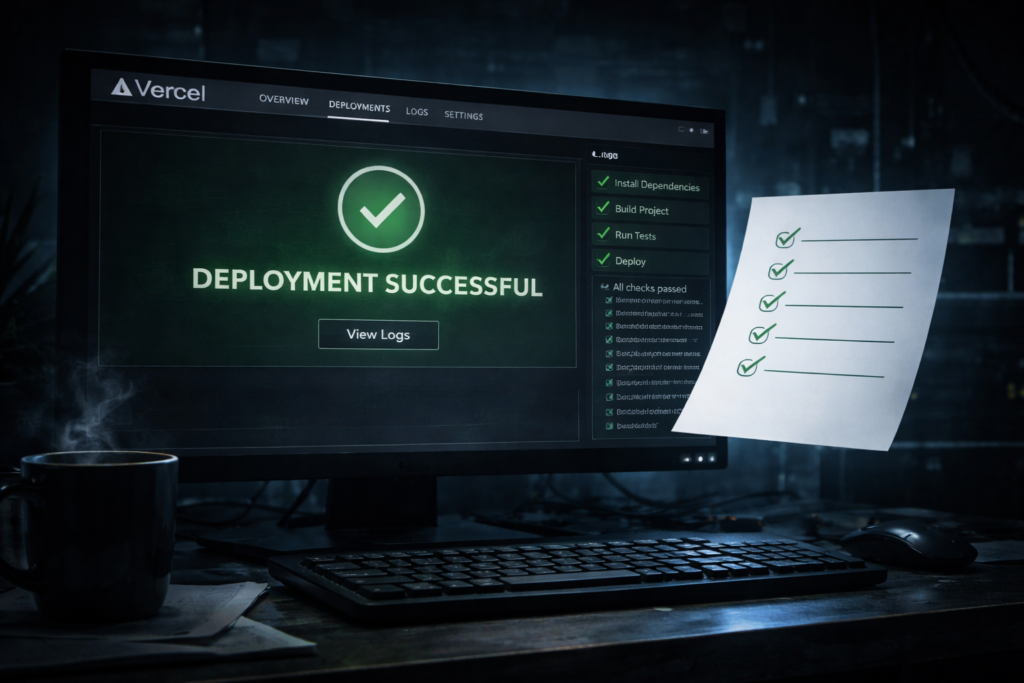
Error #1 — “Build Failed: Cannot Find Module”
The first error hit within 45 seconds of starting the Vercel build.
Error: Cannot find module './components/BarcodeScanner'
Require stack:
- /vercel/path0/.next/server/app/page.js
The module existed in Replit. I could see it. The preview had been running it for two days. The problem was a case sensitivity mismatch — my file was named barcodeScanner.jsx (lowercase b) but the import in the page file read ./components/BarcodeScanner (uppercase B).
Replit’s internal filesystem is case-insensitive, so it resolved the import without complaint. Vercel’s Linux build environment is case-sensitive. Same code, two different behaviors depending on where it runs.
The fix prompt that worked:
“Audit every import statement in the project for case sensitivity mismatches between the import path and the actual filename. Fix all mismatches so that import paths exactly match the filename including capitalization.”
Replit Agent found and fixed six instances across the codebase in under two minutes. I would have been hunting those manually for an hour.
Error #2 — Build Succeeds, App Returns 500 on Every Route
Build number two completed. Green checkmark. I clicked the live URL with genuine optimism.
Every single page returned a 500 Internal Server Error. No visible error message in the browser. Nothing useful in the Vercel function logs beyond:
[GET] / 500 in 1432ms
Error: Environment variable DATABASE_URL is not defined
    at getDbConnection (/vercel/path0/.next/server/chunks/db.js:12:11)
The app was connecting to a database using an environment variable that existed in Replit’s Secrets panel — but Replit Secrets do not automatically transfer to Vercel. They’re completely separate systems. The build process had no idea DATABASE_URL was supposed to exist.
Fix: Vercel dashboard → Project Settings → Environment Variables → add every secret manually. For a project with multiple API keys and database credentials, this took about 12 minutes of careful copy-pasting.
What I now do differently: Before any Vercel deployment, I run this prompt first:
“List every environment variable this project depends on, what each one is used for, and whether it currently has a fallback value if the variable is undefined. Format as a checklist I can use during deployment.”
That checklist now lives in my Notion before every deploy. Takes three minutes. Saves hours.
Environment variable mismatches are the #1 reason client projects go live broken and come back as emergency support tickets. If you’re doing any kind of freelance build work with AI tools, charge a “deployment audit” line item. It takes you 20 minutes with the right prompts. It saves your client a 3am panic. Bill it accordingly.
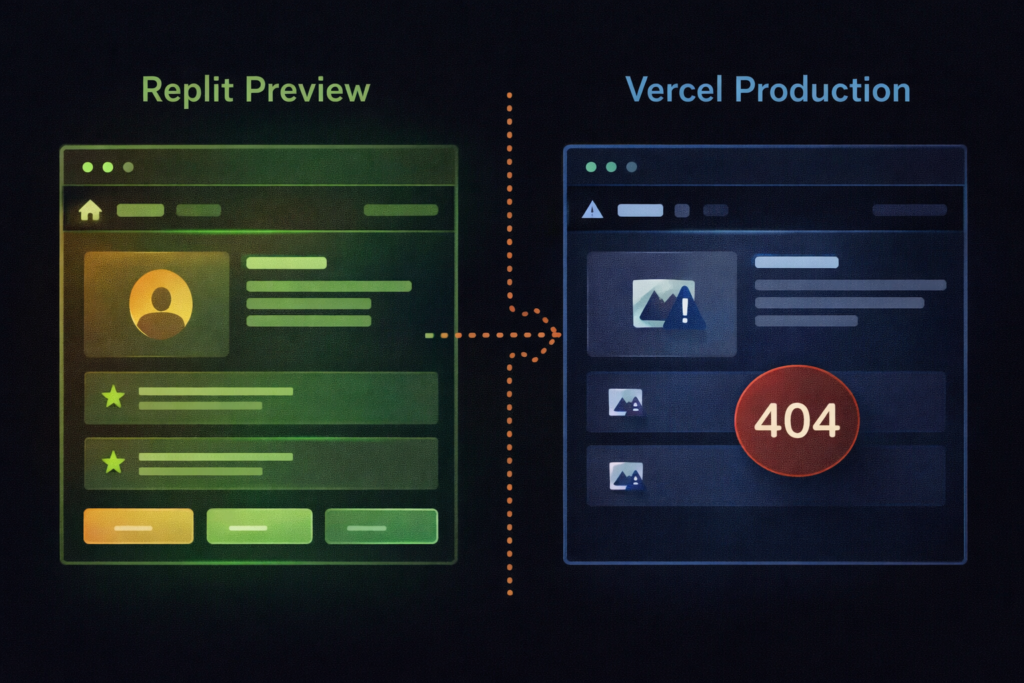
Error #3 — API Routes Return 404 in Production Only
Build three. App loaded. Pages rendered. I filled out the form, hit submit, and watched the network tab return a 404 on every API call.
POST /api/submit 404 Not Found
The Replit Agent had scaffolded the API routes inside a /api folder at the project root. That structure works inside Replit. For a Next.js app on Vercel, API routes need to live inside /pages/api or use the /app/api directory with the correct route.js naming convention depending on whether you’re using the App Router or Pages Router.
The AI had built a valid structure for a generic Node environment. It wasn’t wrong — it just wasn’t Vercel-specific. This is the failure mode nobody warns you about with AI-generated code: it’s architecturally correct in the abstract and silently wrong for your specific deployment target.
Fix prompt:
“Restructure all API routes to be compatible with Next.js App Router conventions for Vercel deployment. Move them to /app/api/[route]/route.js format and ensure each file exports the correct HTTP method handlers (GET, POST, etc.).”
Fifteen minutes of restructuring. Build four was the one that finally worked.
Error #4 — Fonts and Images Return 404 After Deployment
The app worked. Routes resolved. Data saved. But half the images were broken and the custom font wasn’t loading. This one was almost cosmetic — but “almost cosmetic” is still broken in production.
The issue: Replit Agent had referenced several assets using absolute local paths (/public/logo.png) that worked in the Replit environment but weren’t being correctly resolved by Vercel’s CDN. Additionally, a Google Font import was being blocked because the next.config.js file was missing the correct content security policy headers for external font sources.
This is a smaller fix but worth knowing: always run a broken-link and asset audit before any production deployment, not after.
“Check all static asset references in the project for hardcoded absolute paths and replace them with Next.js Image component references or correct relative paths. Also review next.config.js for any missing headers needed for external font or CDN sources.”
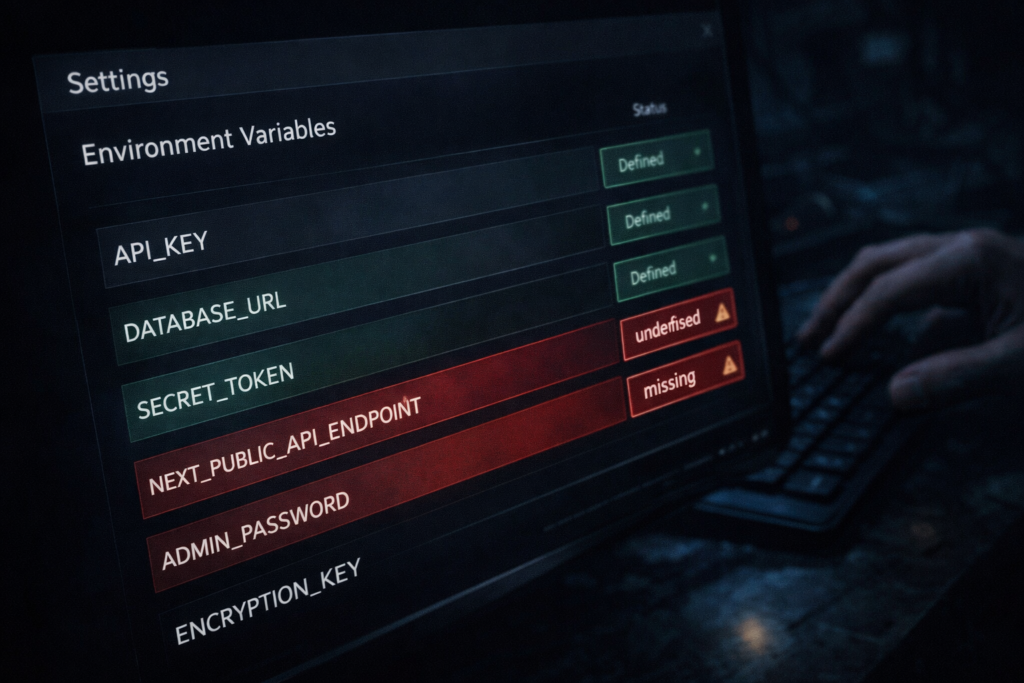
The Pre-Deployment Checklist I Now Run on Every Build
After four failures, I built this into my standard workflow. Before any Replit Agent project goes to Vercel, I run through these five prompts in order:
1. Case sensitivity audit — “Audit all import statements for case sensitivity mismatches between import paths and actual filenames.”
2. Environment variable inventory — “List every environment variable this project uses, its purpose, and whether it has a fallback if undefined.”
3. Deployment target check — “Review the project structure and confirm it follows Next.js App Router conventions required for Vercel deployment. List any files that need to be moved or renamed.”
4. Asset path audit — “Check all static asset references for hardcoded paths that may not resolve correctly in a Vercel production environment.”
5. Build simulation — “Simulate a production build and identify any code that references browser-only APIs (window, document, localStorage) without proper server-side rendering guards.”
That last one matters more than people expect. Browser-only APIs are one of the most common silent failure points when moving from a Replit preview (which runs in a browser context) to Vercel’s server-side rendering environment.
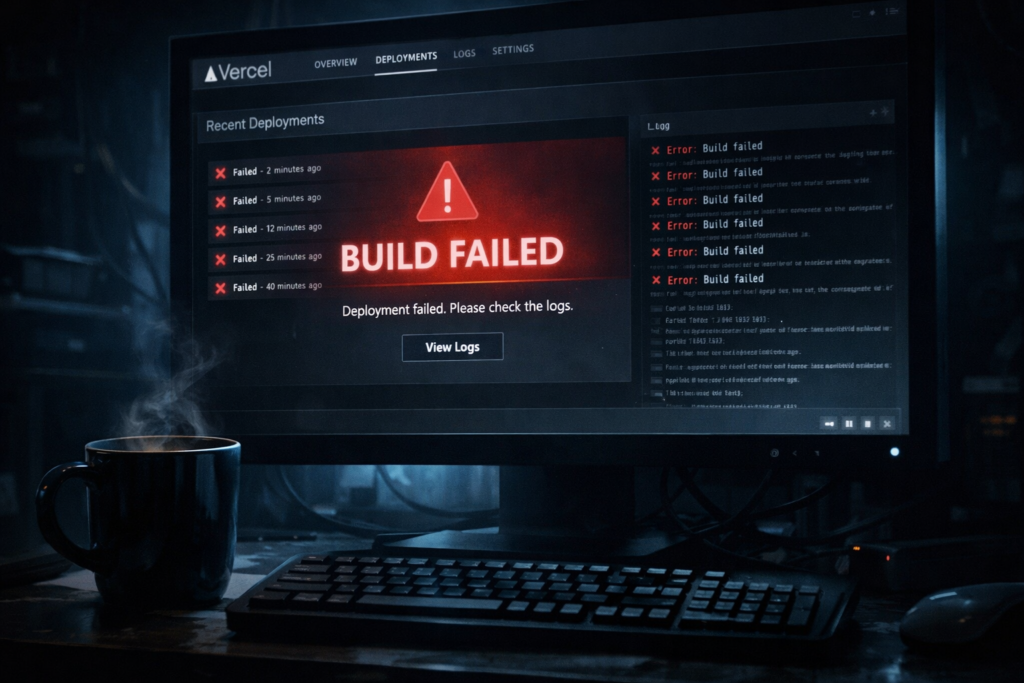
🛠️ The Stack I Use for Replit-to-Vercel Deployments
- Replit Agent — Still the fastest way to go from prompt to working prototype. Just know its limitations before you deploy.
- Vercel — Free tier handles everything a solo project needs. The deployment logs are genuinely good once you know how to read them.
- Notion — Where I keep my pre-deployment checklist, environment variable inventory, and prompt library. The boring infrastructure that makes the exciting stuff not break.
📩 I’m building a living doc of Replit Agent quirks and deployment fixes.
Every time I hit a new wall, I add the error, the diagnosis, and the exact prompt that solved it. Subscribe to The Edge and I’ll send you the current version
→ Get the Replit deployment fix doc
None of these errors were the AI’s fault. None of them were mine either. They were the gap between two systems that weren’t designed to talk to each other — and that gap is where most “no-code” projects quietly die.
The tools are good enough to build almost anything now. The part that still requires a human is knowing which questions to ask when the good-enough breaks down. That’s not a gap that’s closing anytime soon. Learn to work in it.
– Alex